
CineOcean · free to start
Text to Video with Sound
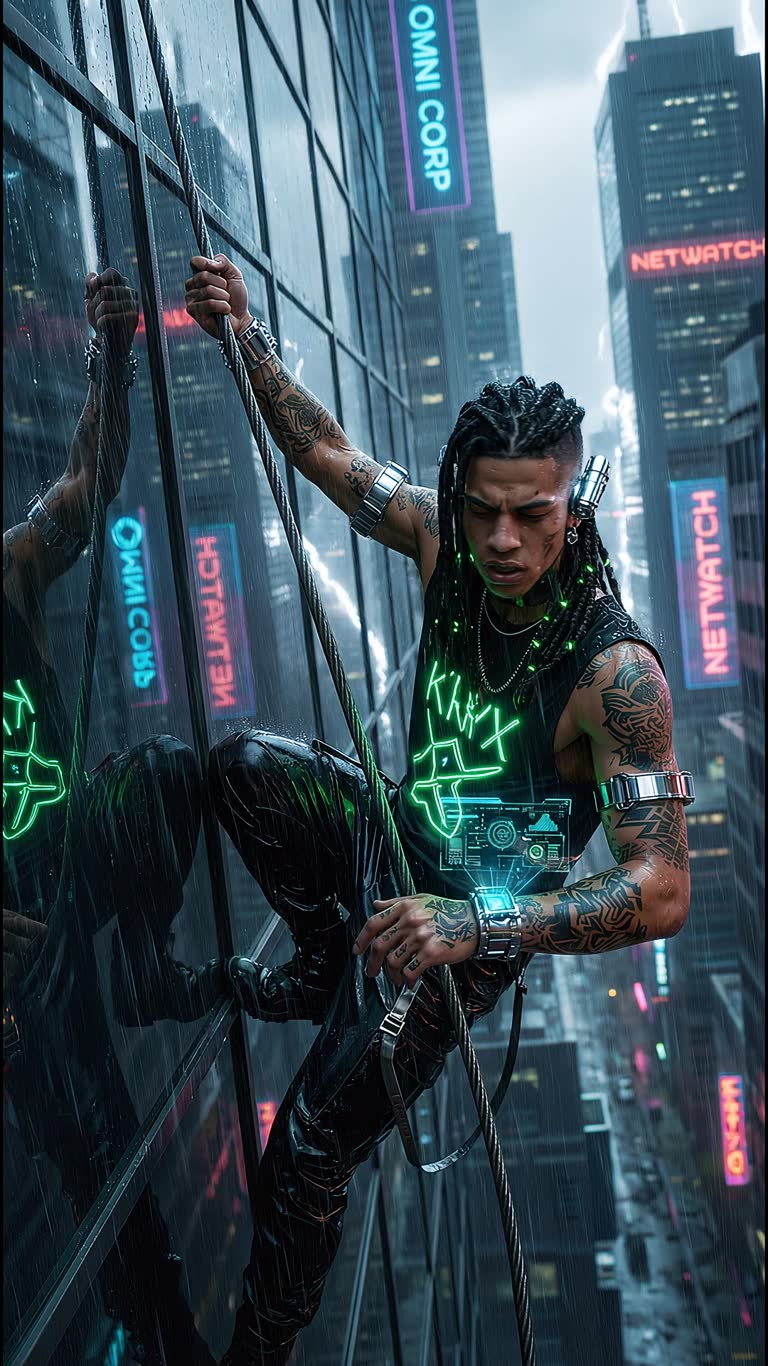
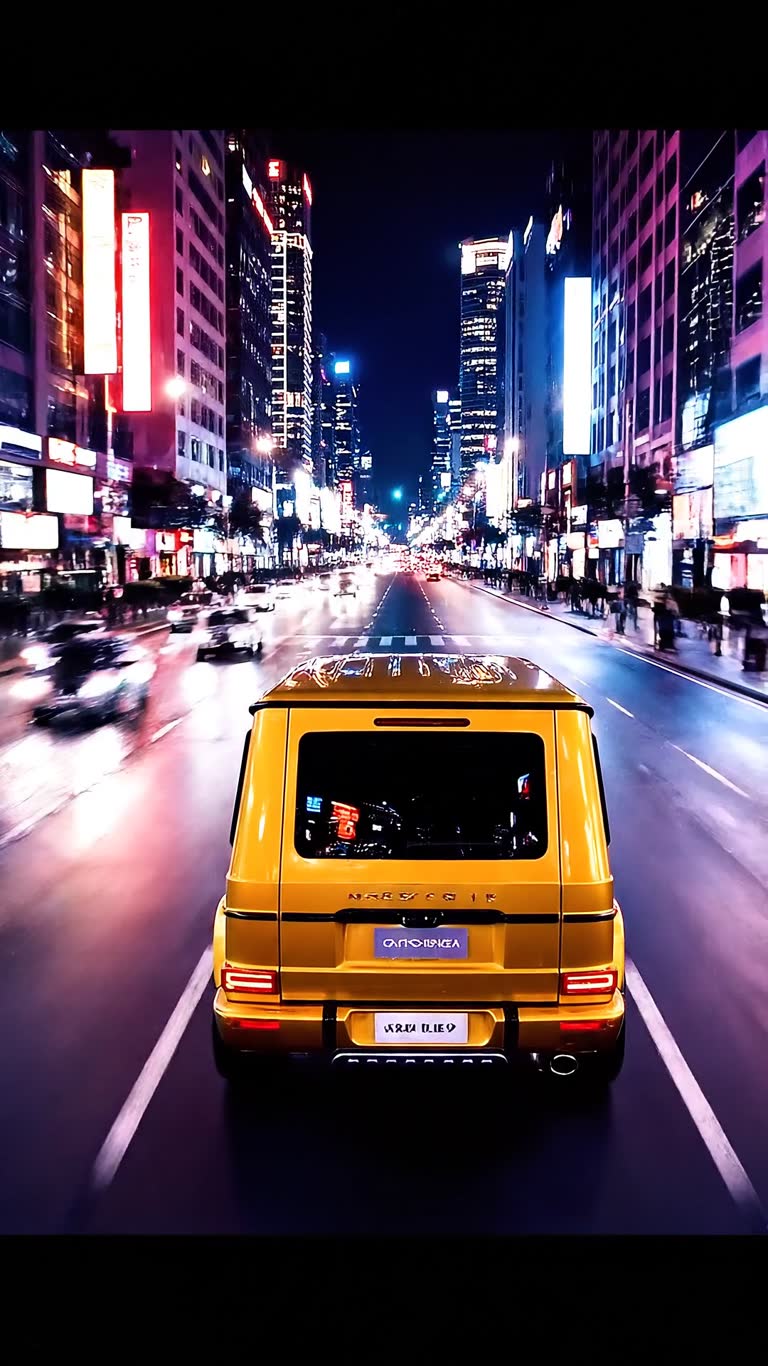
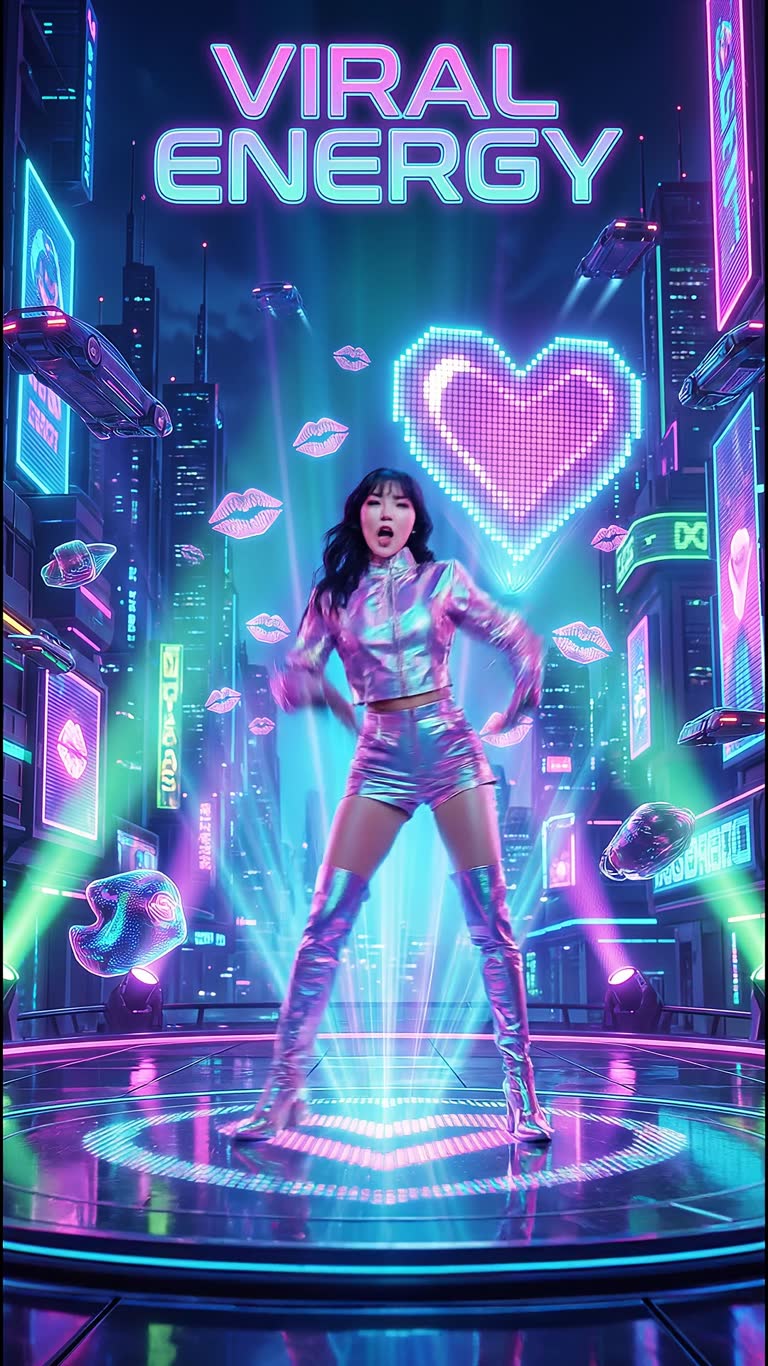
Silent AI clips still need a sound designer. CineOcean generates video with sound in the same pass on models that support it, so a scene comes back with ambience, effects or dialogue already in place — and you can add a separate voice-over and music track on top.
How it works
What you get
- Native sound with the video
- Kling, Wan, Veo and more in one account
- Text to video and image to video
- Separate AI voice-over and music tracks
- Up to 4K export from the timeline
- Free still frames to test the idea first
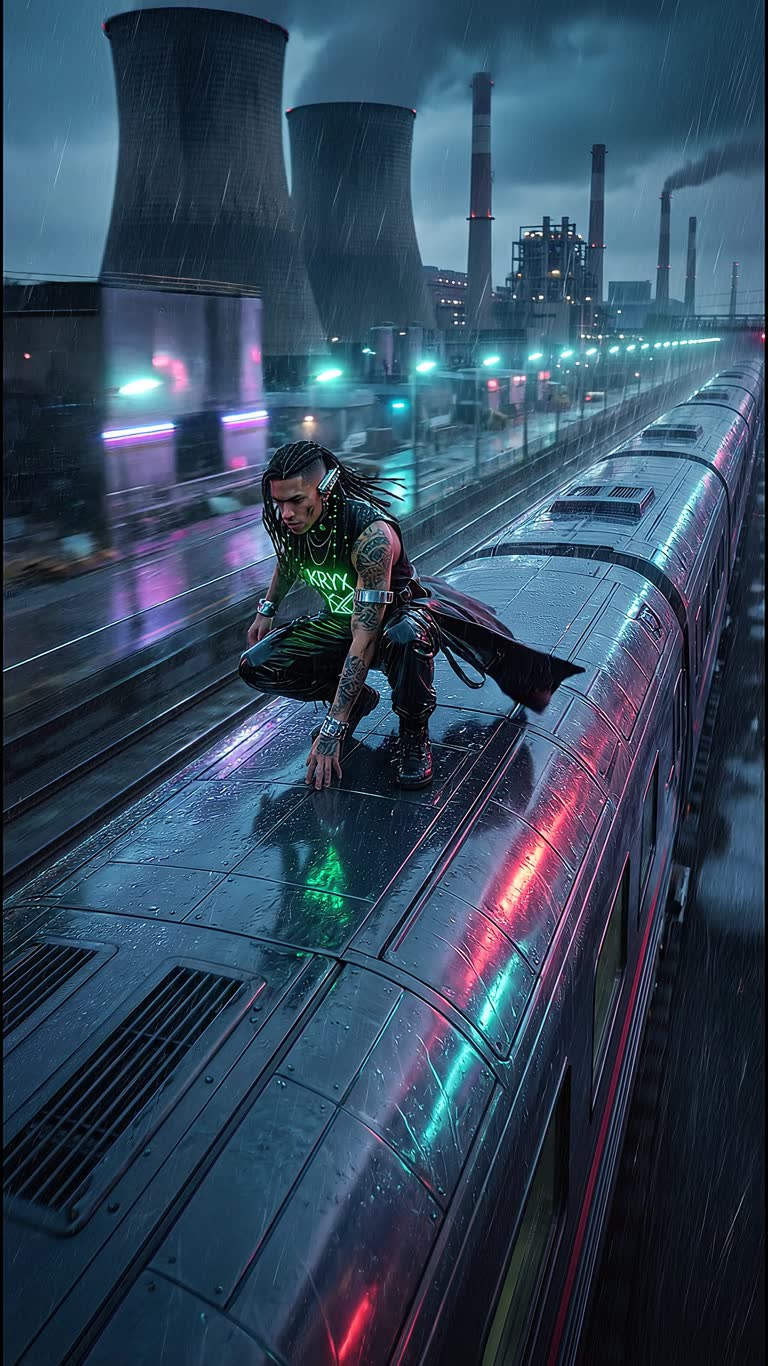
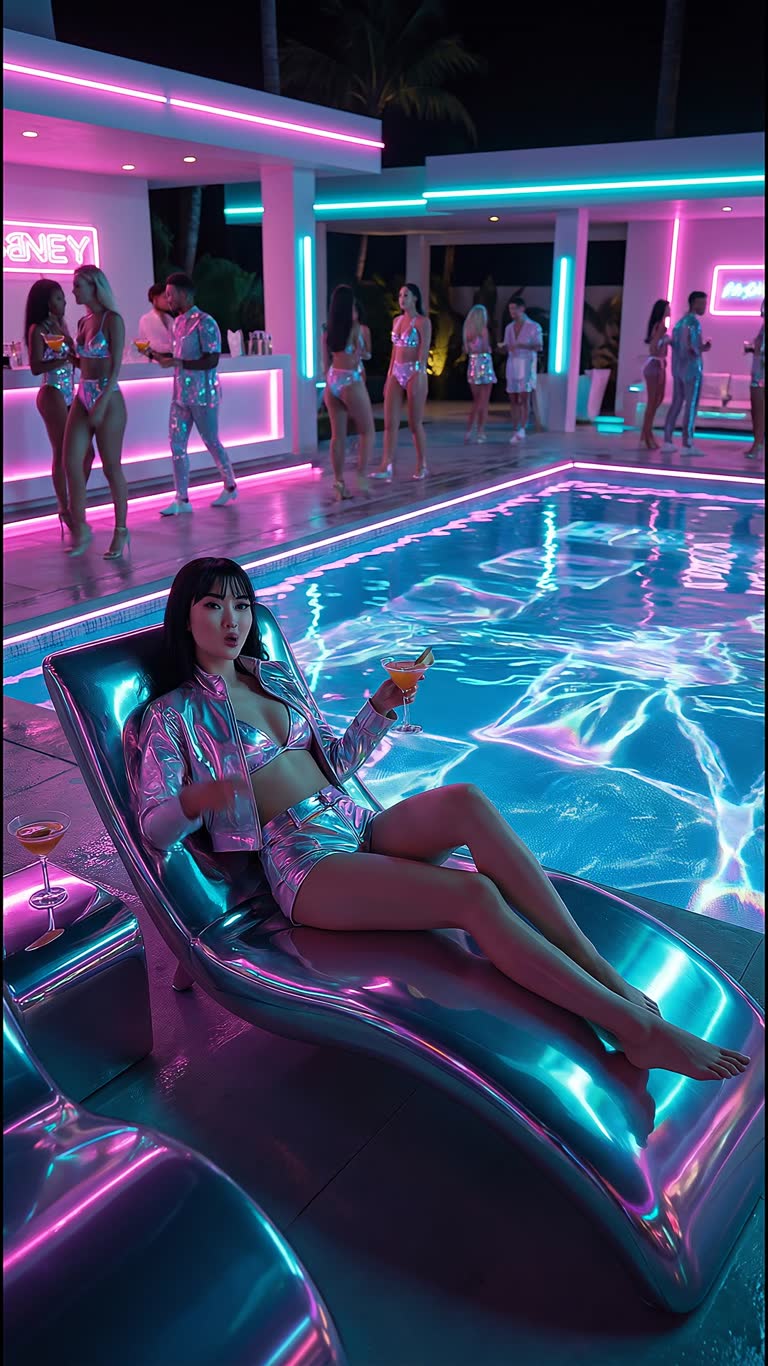
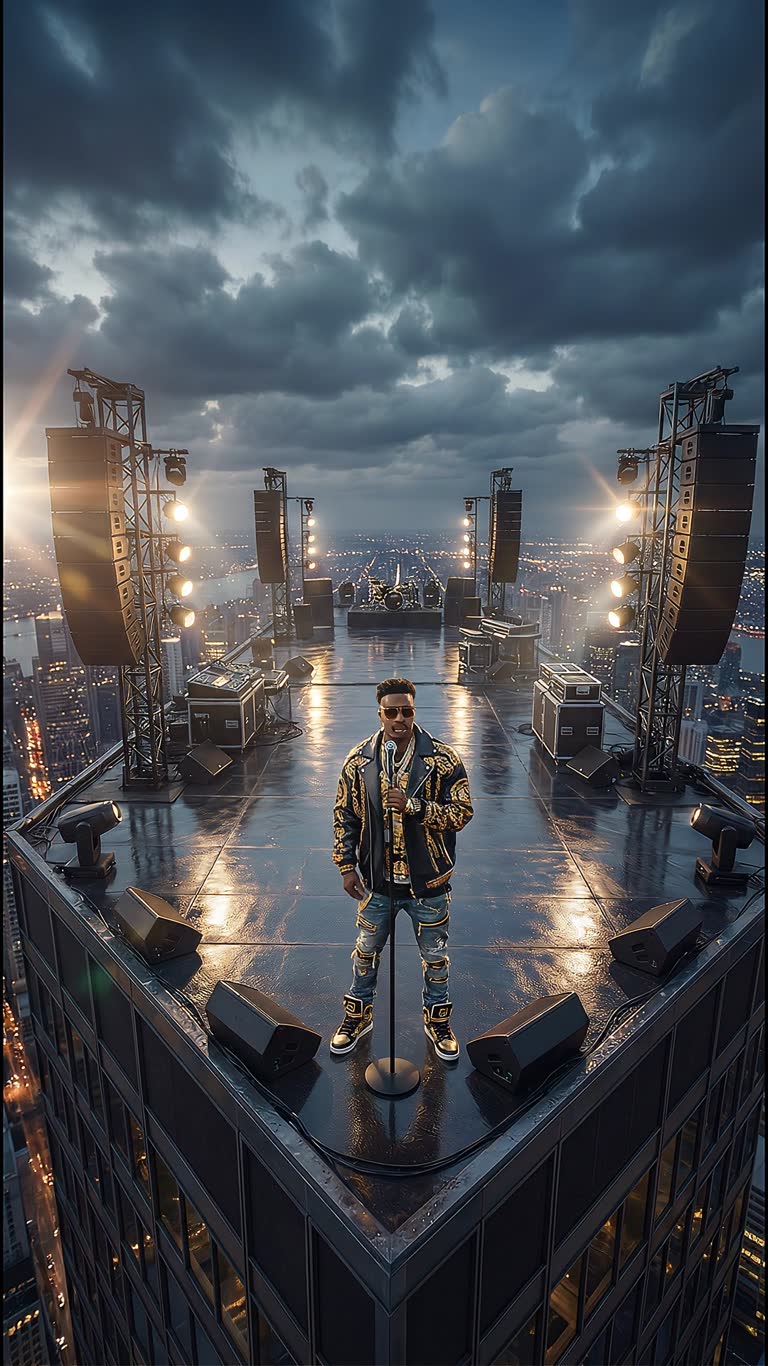
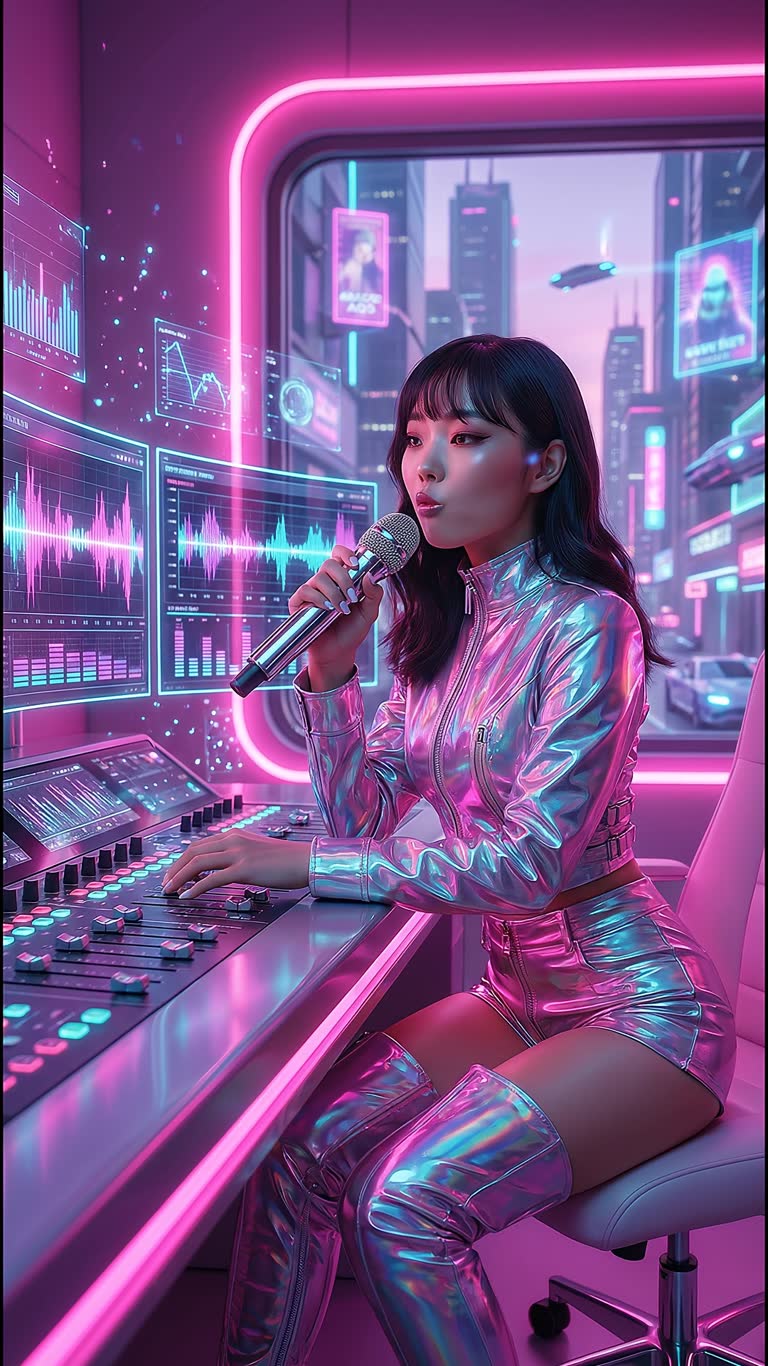
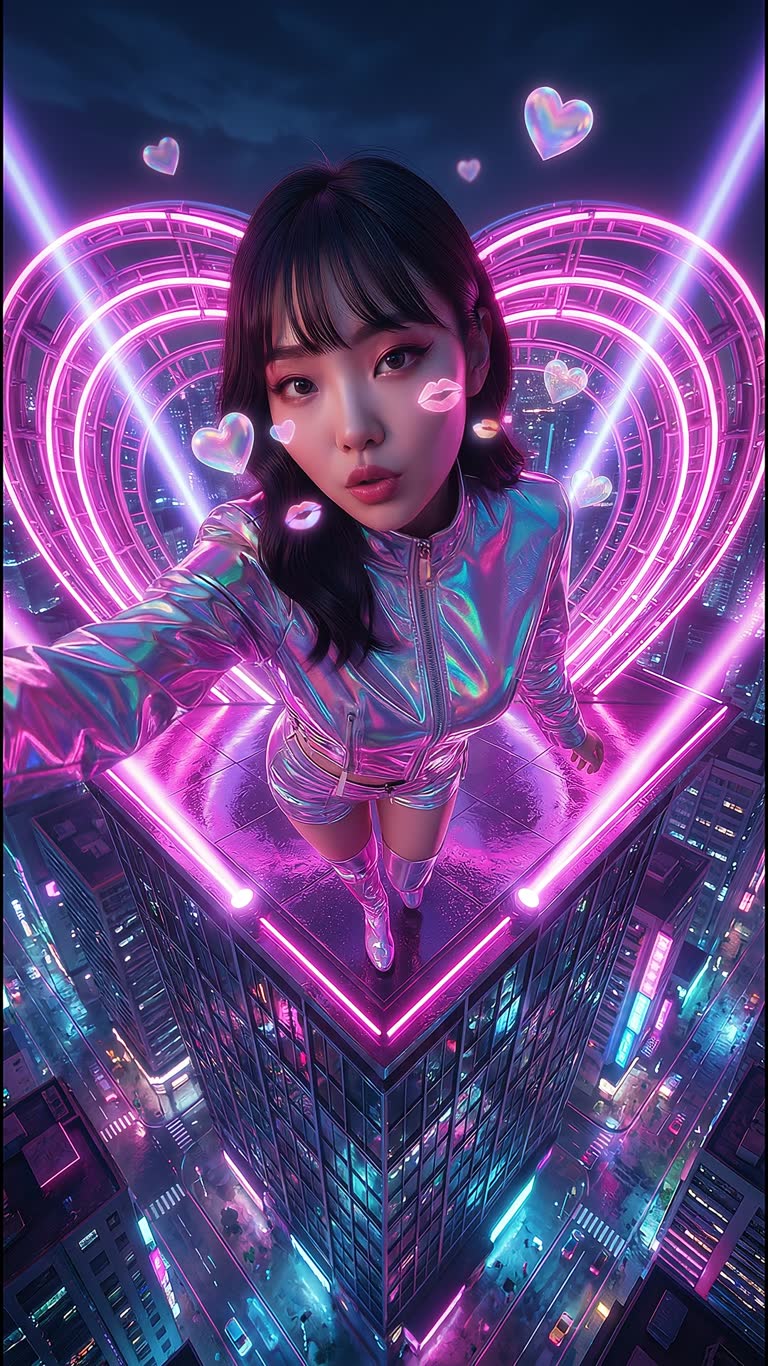
Made with CineOcean



FAQ
Which models generate sound?
The model list in the studio marks the options with sound, for example Kling, Wan and Veo variants; their prices are shown per scene.
Can I replace the generated audio?
Yes. You can add your own voice-over and music on the timeline.
Is there a free option?
New accounts get free credits, and still-frame storyboards are free.
More guides
AI Mini-Drama and Short Series Generator · AI Product Video Generator for Ads · Consistent Characters in AI Video · AI Music Video Generator · AI Video Effects for TikTok, Reels and Shorts