
CineOcean · free to start
AI Product Video Generator for Ads
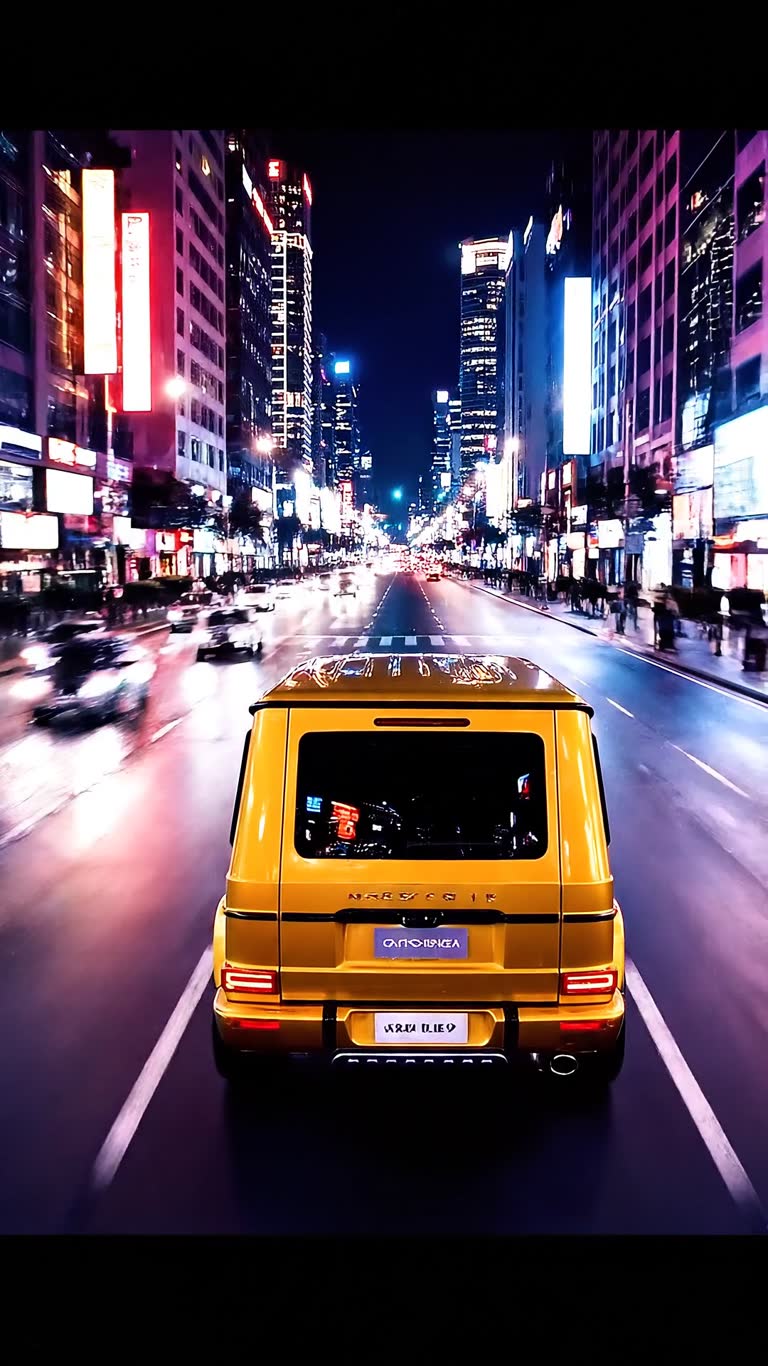
Most small brands need many short ads — for TikTok, Reels, marketplaces and A/B tests — not one expensive shoot. In CineOcean you upload a product photo, describe where it should appear, and the AI Video Studio generates the scenes with your product placed in them, ready to cut into several versions.
How it works
What you get
- Your real product photo placed into AI scenes
- Talking presenter scenes with HeyGen avatars
- Voice-over in many languages
- Captions and logo overlays on the timeline
- Vertical, square and widescreen formats
- Price per scene shown before you generate
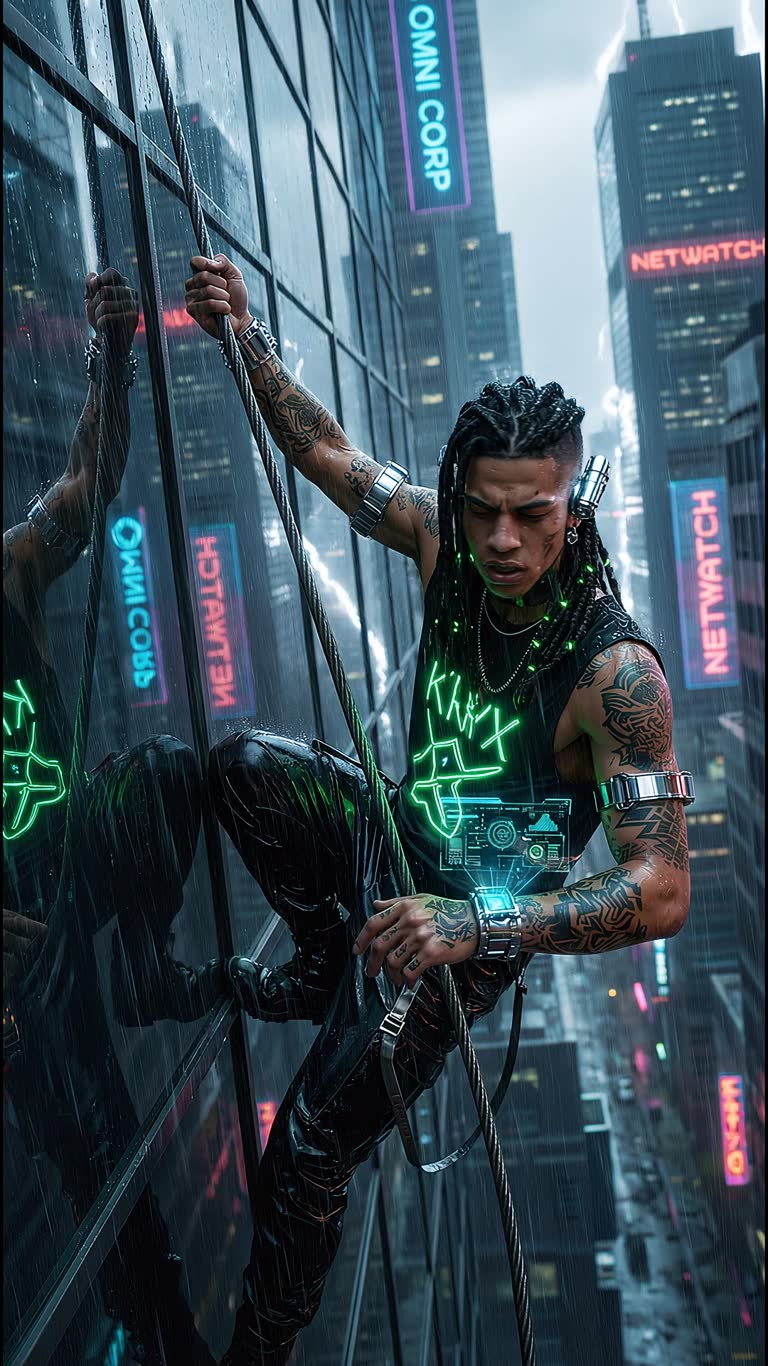
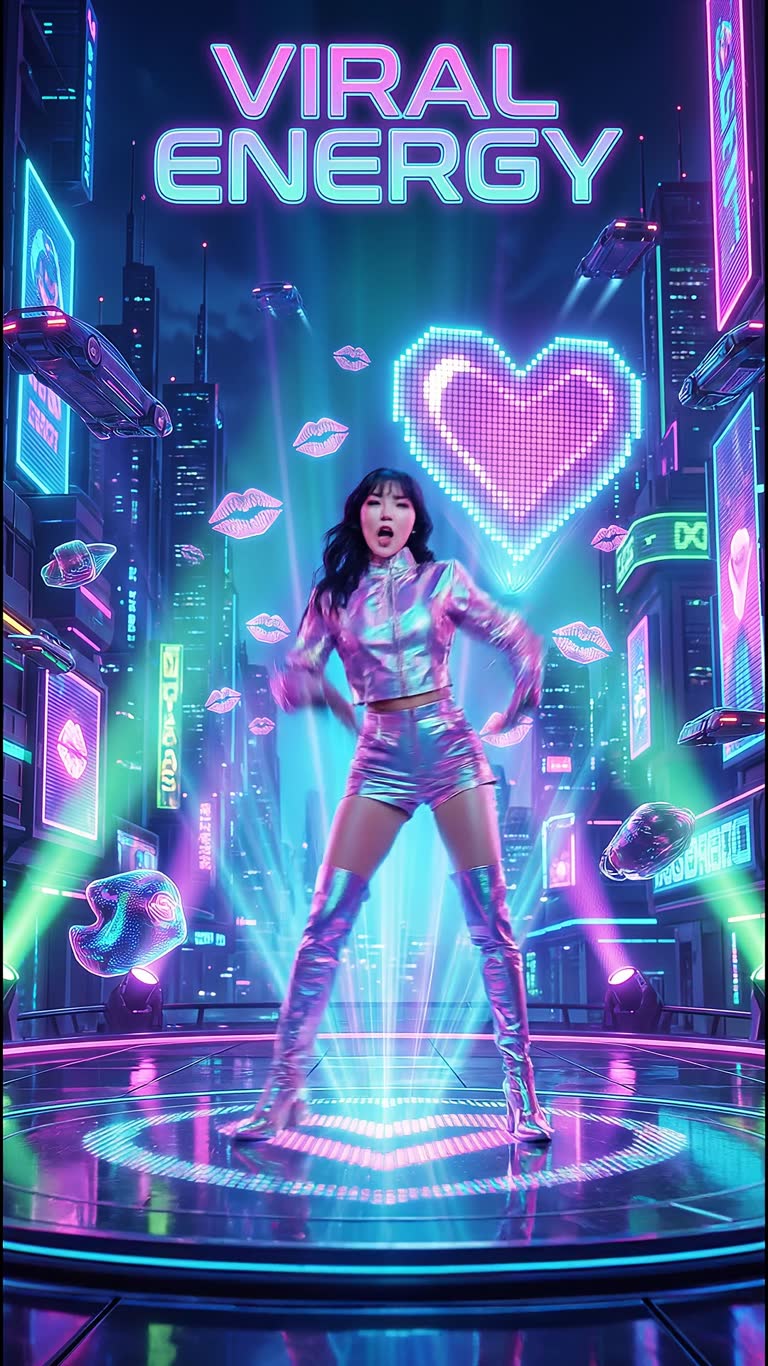
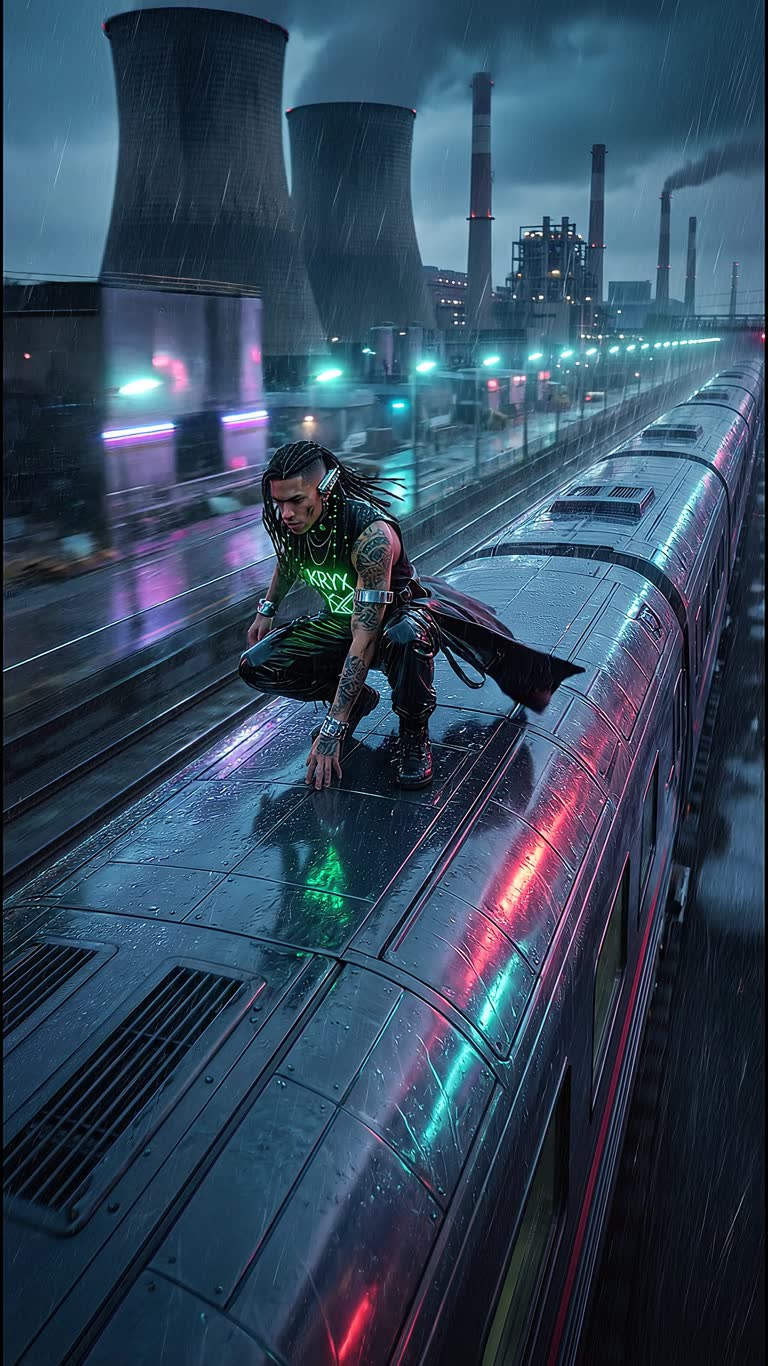
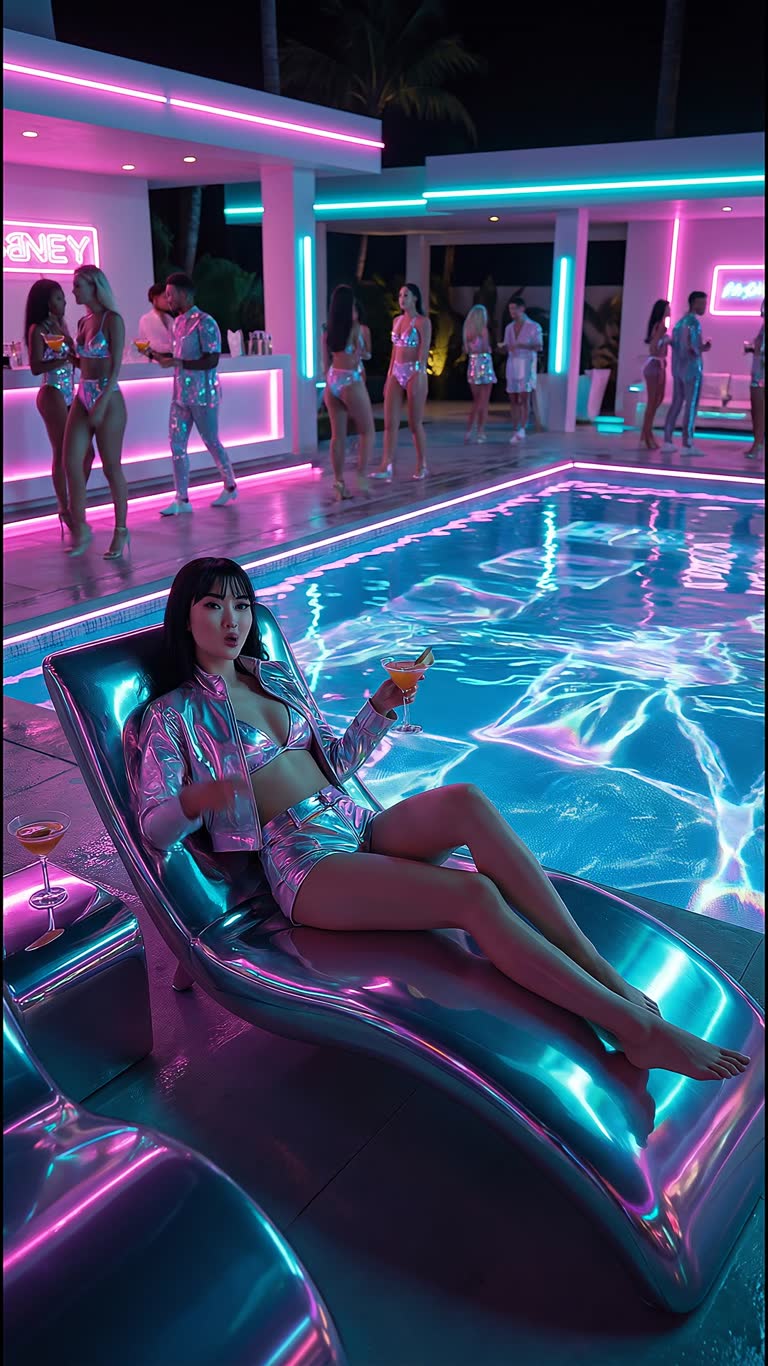
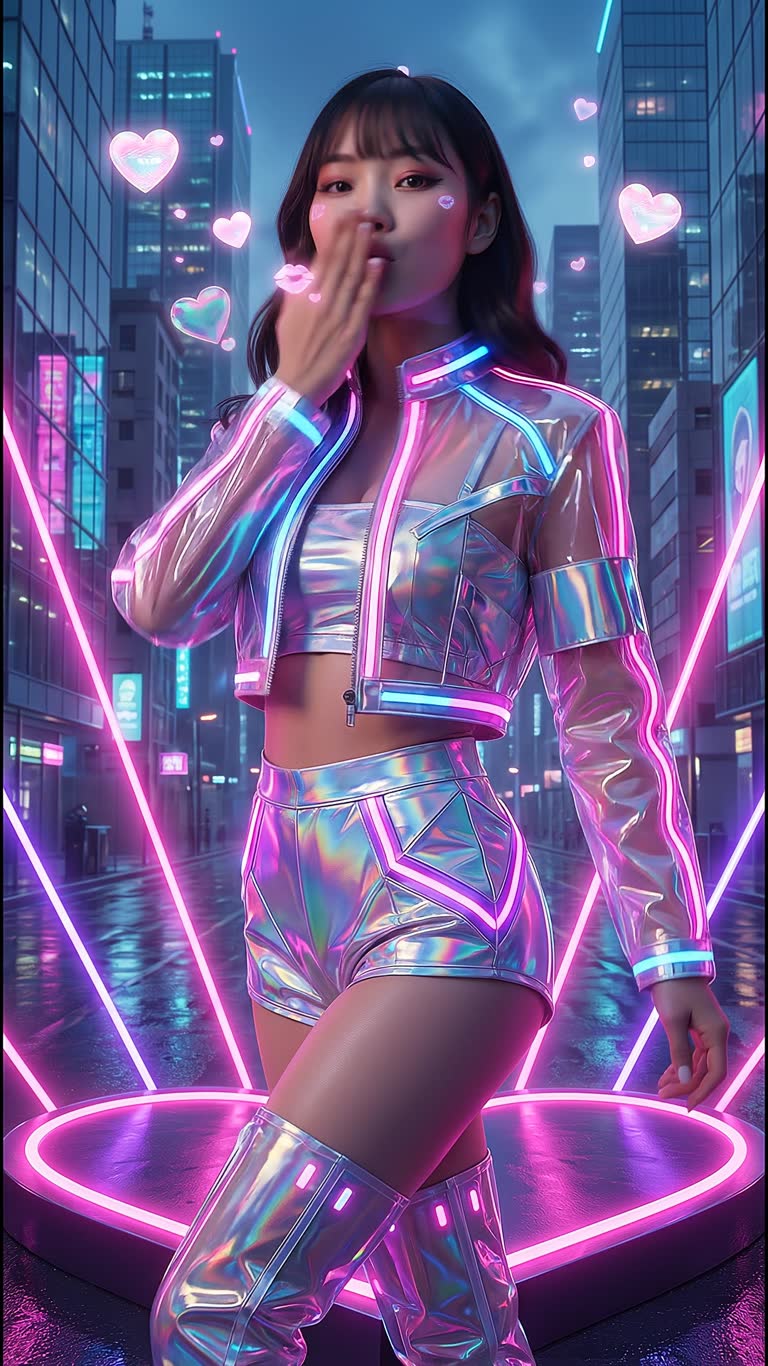
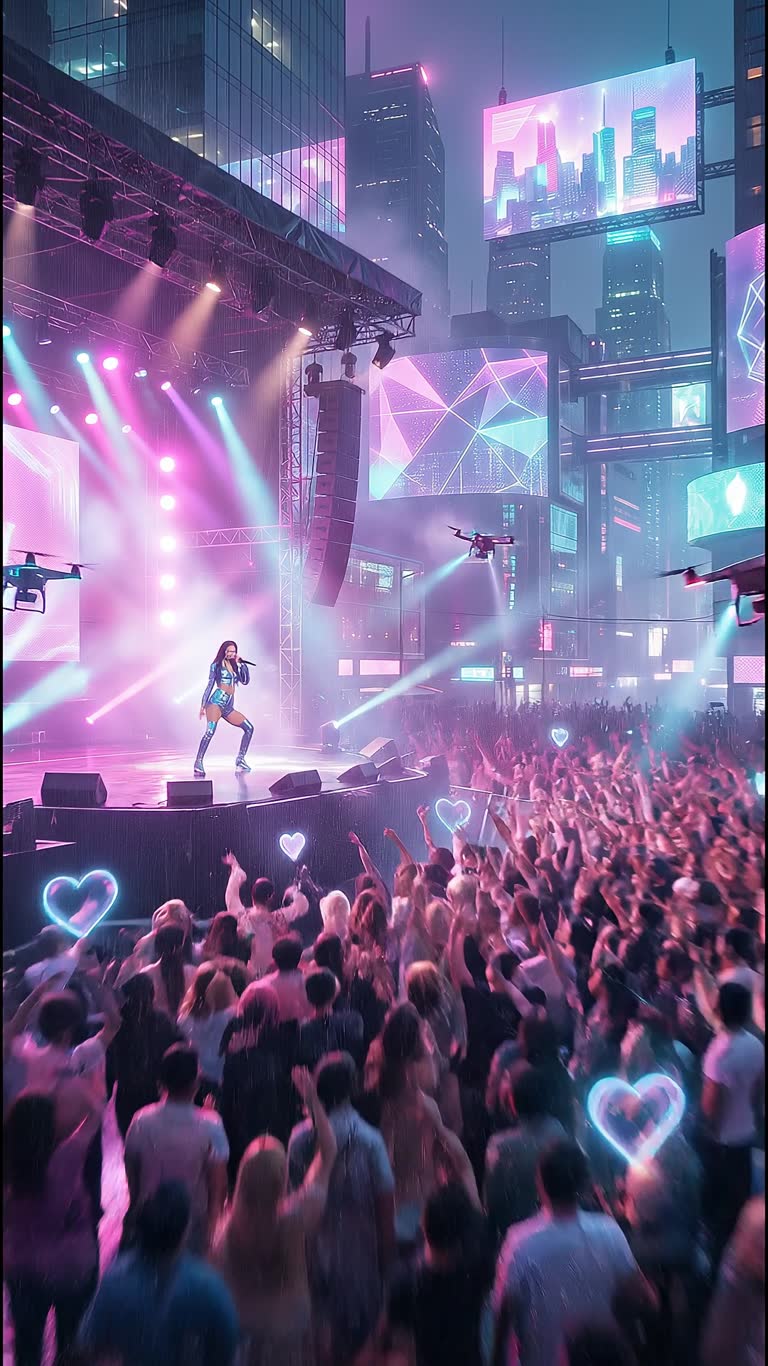
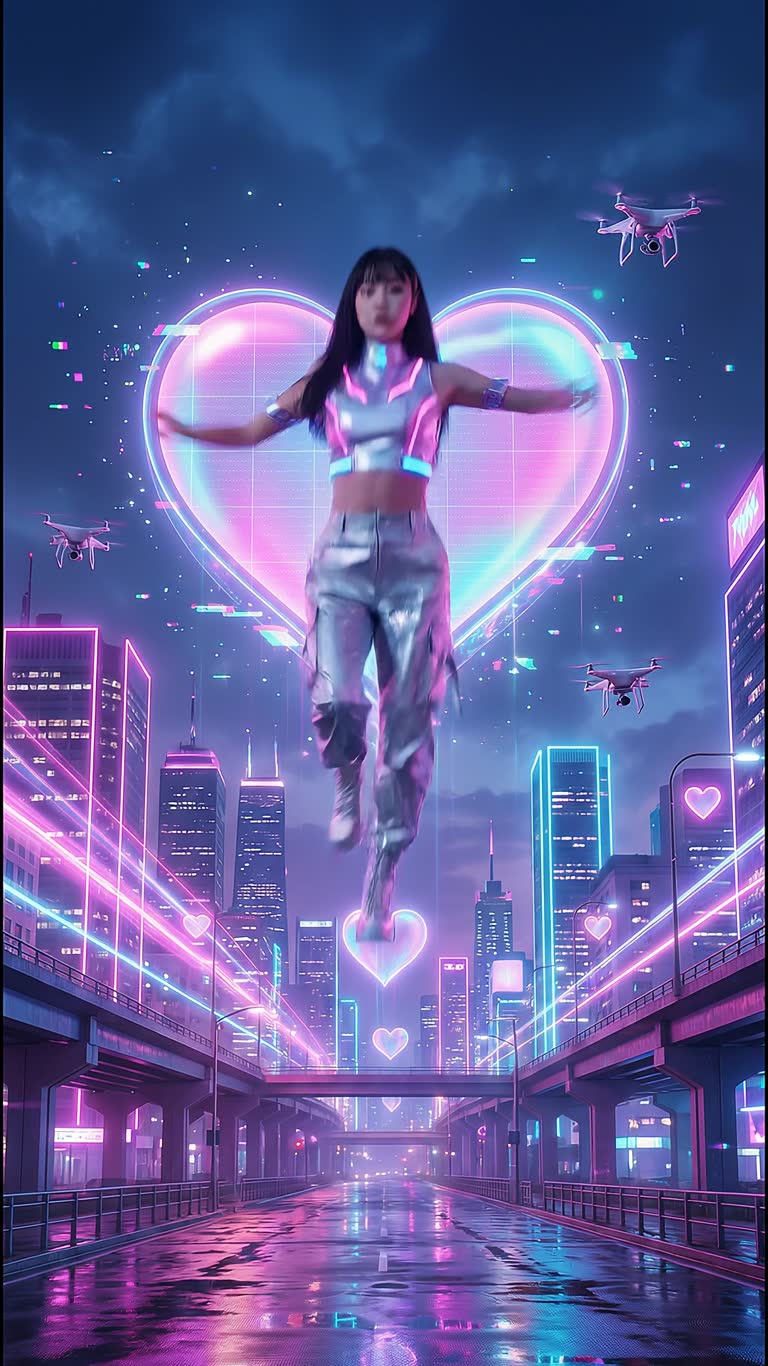
Made with CineOcean
FAQ
Can I use the videos commercially?
Commercial use is available on paid plans.
Which formats can I export?
Vertical 9:16 for TikTok and Reels, square, and widescreen 16:9.
How much does one ad cost?
It depends on the model and the number of scenes; the studio shows the credit cost per scene and the total before you start. Still frames are free.
More guides
AI Mini-Drama and Short Series Generator · Text to Video with Sound · Consistent Characters in AI Video · AI Music Video Generator · AI Video Effects for TikTok, Reels and Shorts