
CineOcean · free to start
AI Music Video Generator
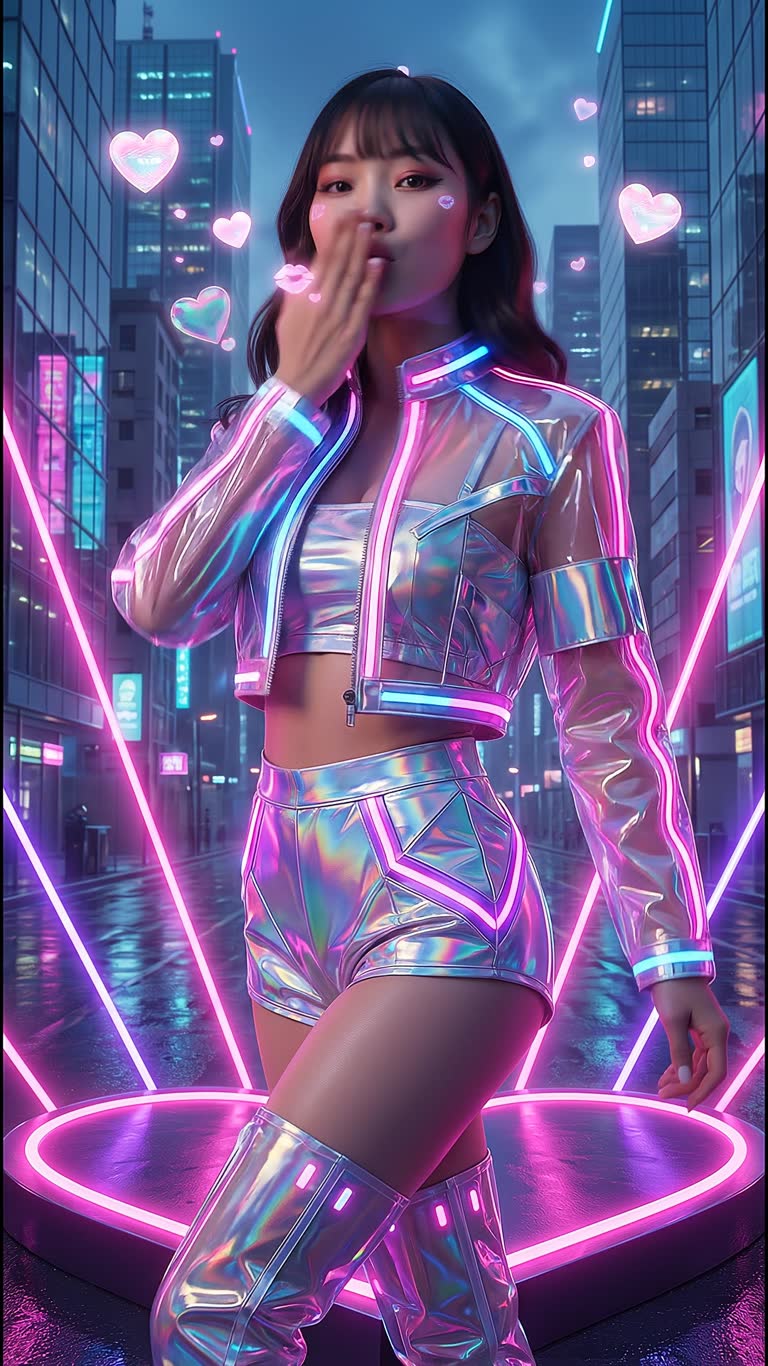
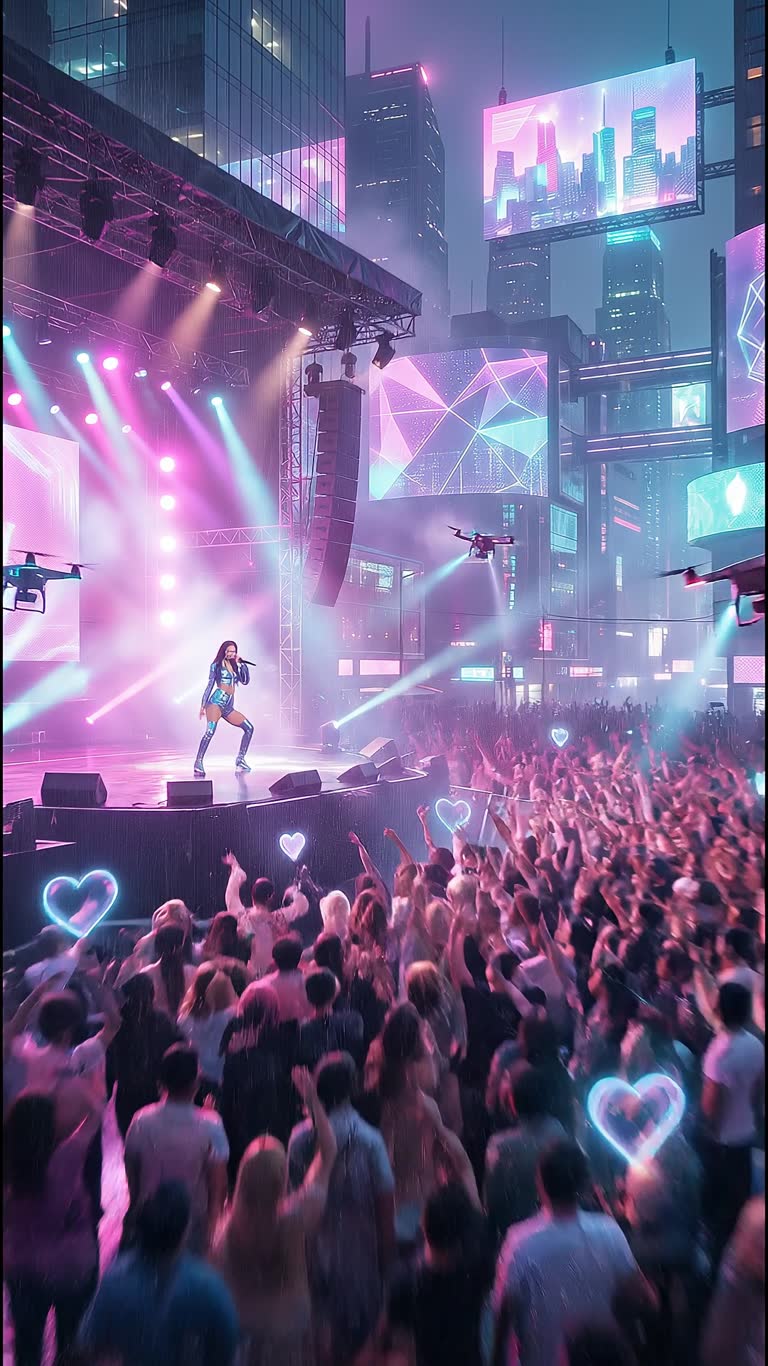
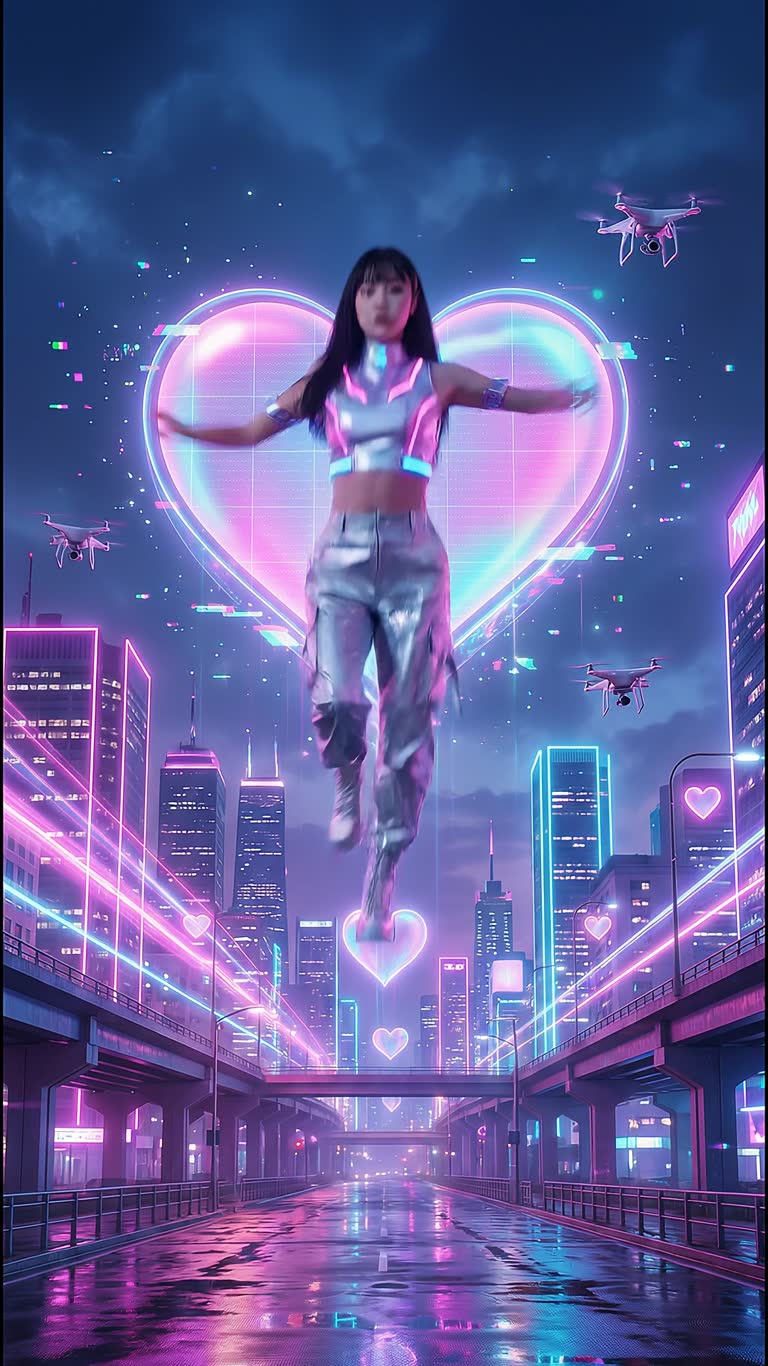
With CineOcean you can make the whole music video in one place: generate a song or instrumental with AI music, create an artist who keeps the same face in every scene, and generate performance and story shots around the track.
How it works
1. Make or bring the trackGenerate a song or soundtrack from a text prompt, or plan the clip around your own music.
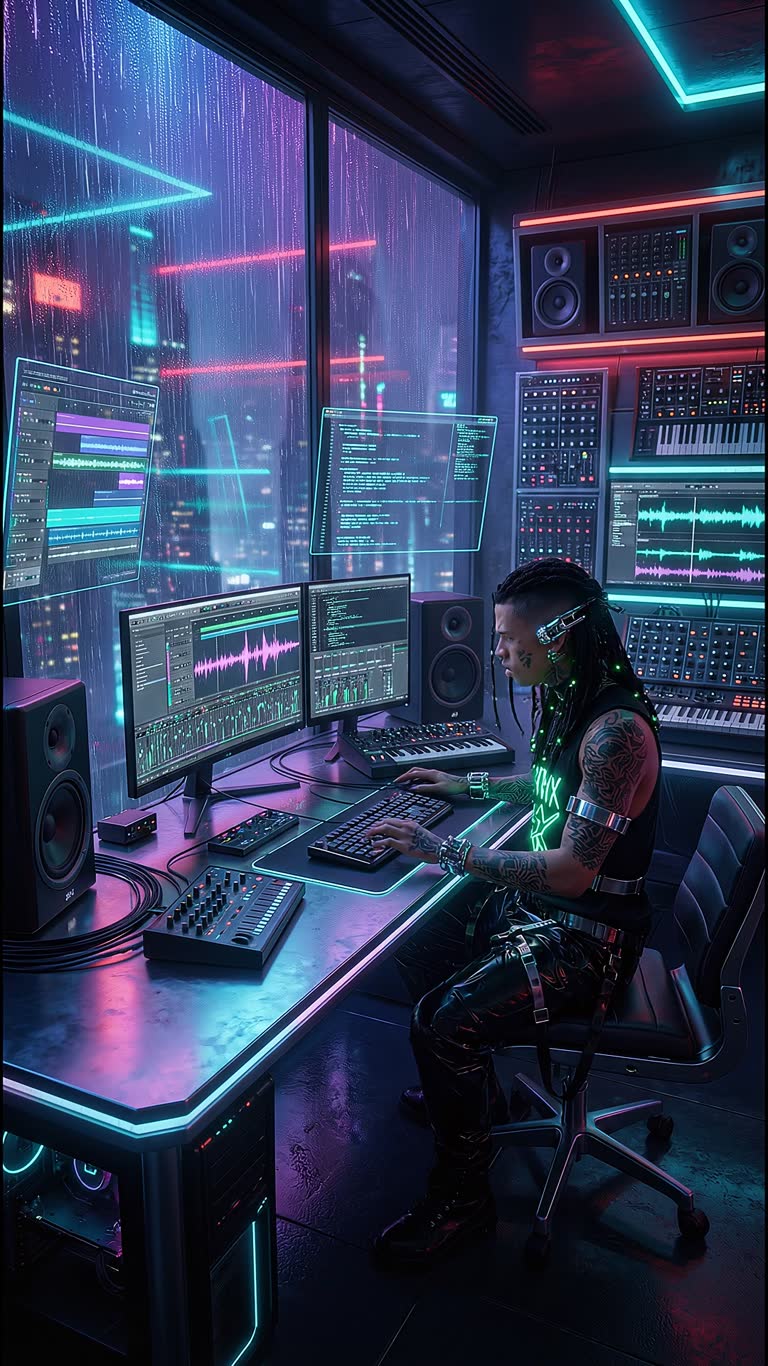
2. Create the artistAdd your artist in Casting so the face stays the same on stage, in the studio and on the rooftop.
3. Generate the scenesDescribe each shot — performance, close-ups, B-roll — and assemble the clip on the timeline.
What you get
- AI music: songs with vocals or instrumentals
- Consistent AI artist across all shots
- Vertical clips for TikTok and Reels
- Cinematic styles and 200+ video effects
- Timeline with captions and lyrics overlays
- Commercial use on paid plans
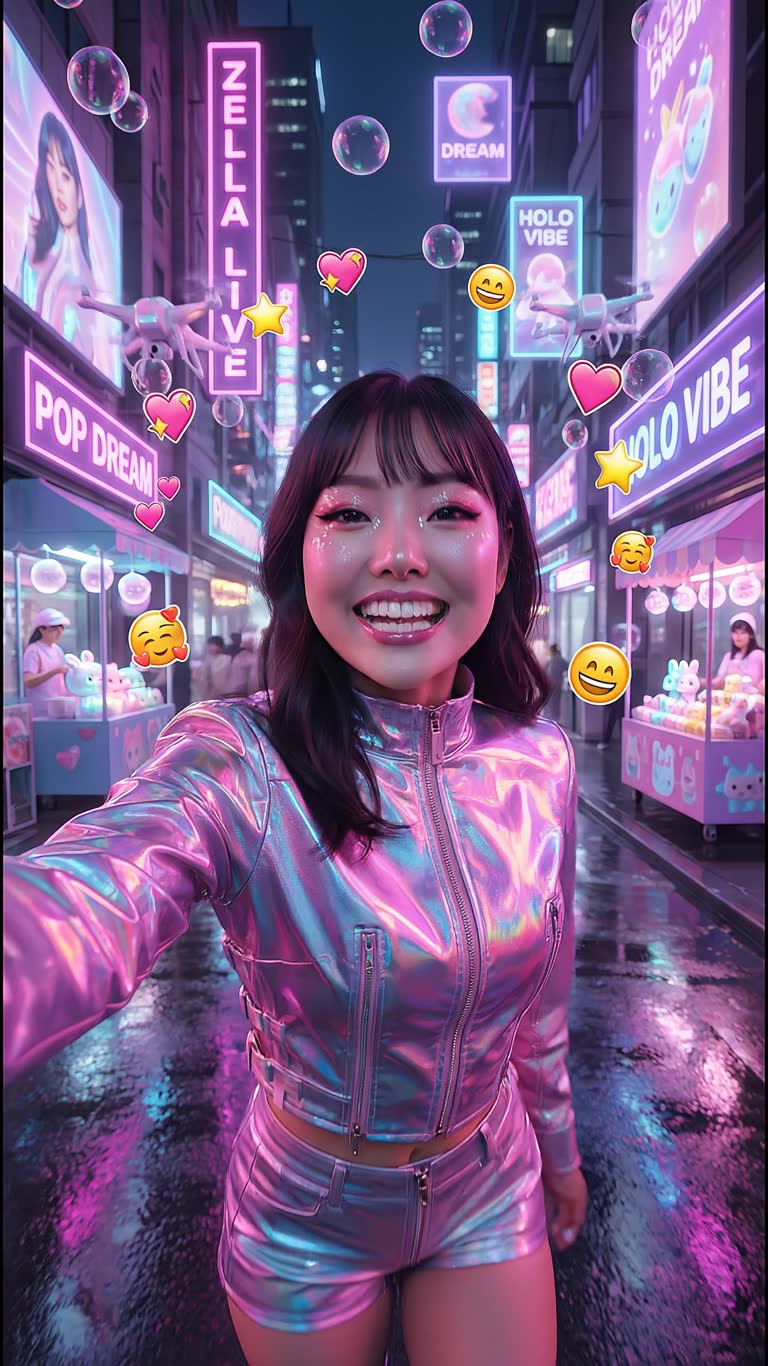
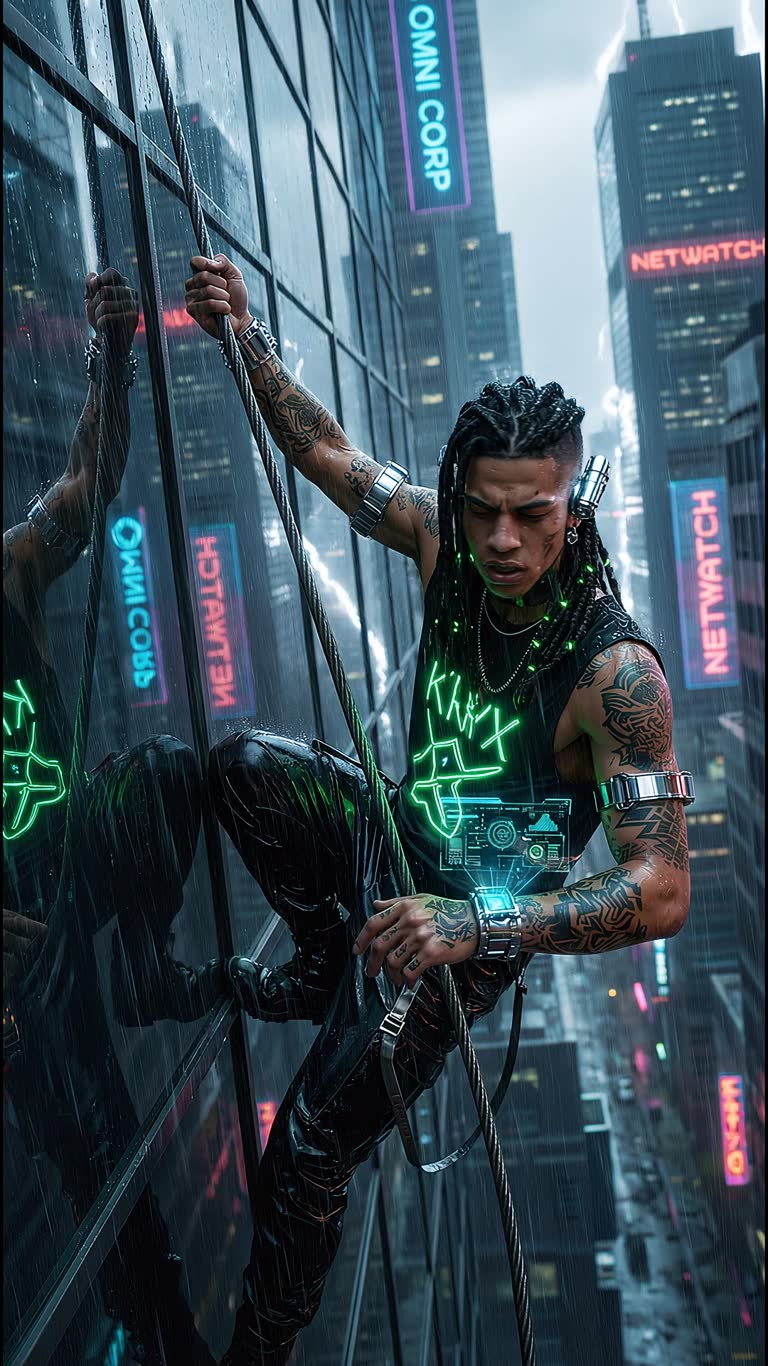
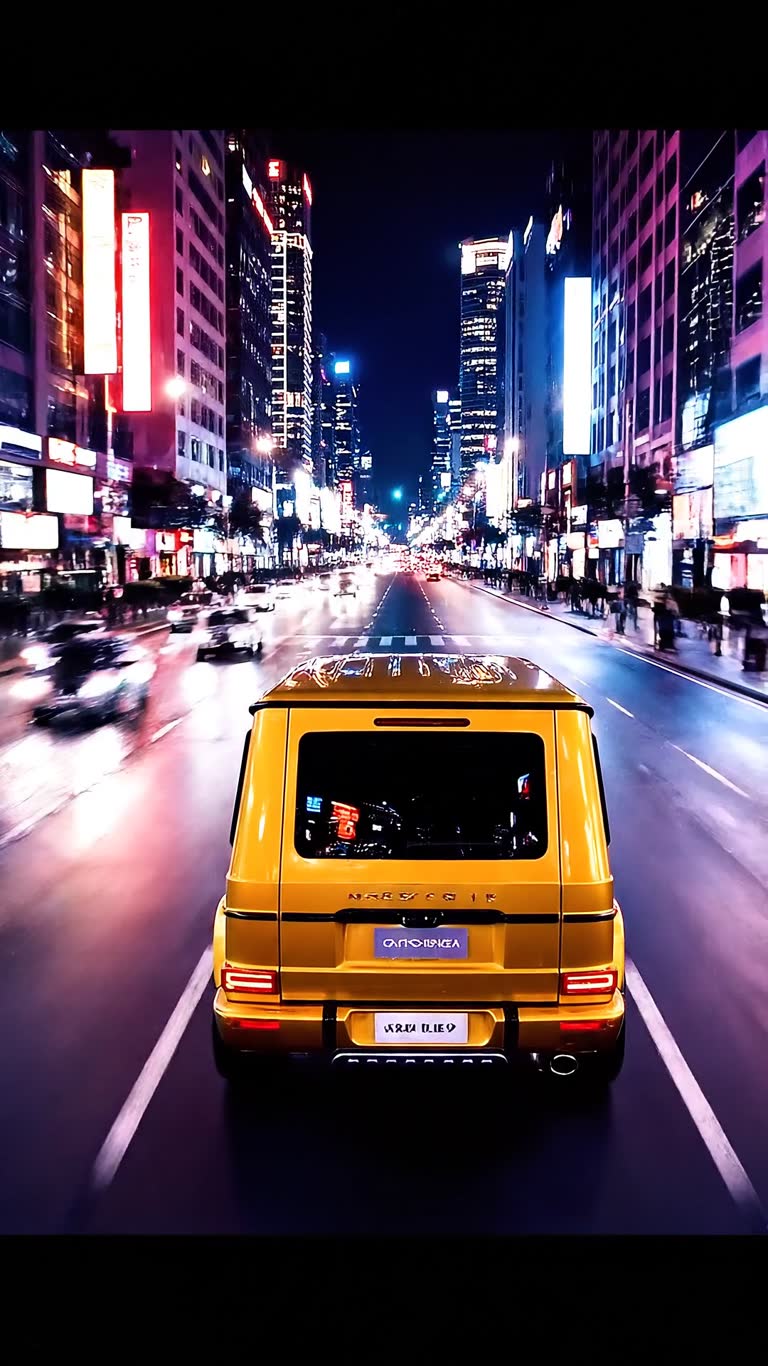
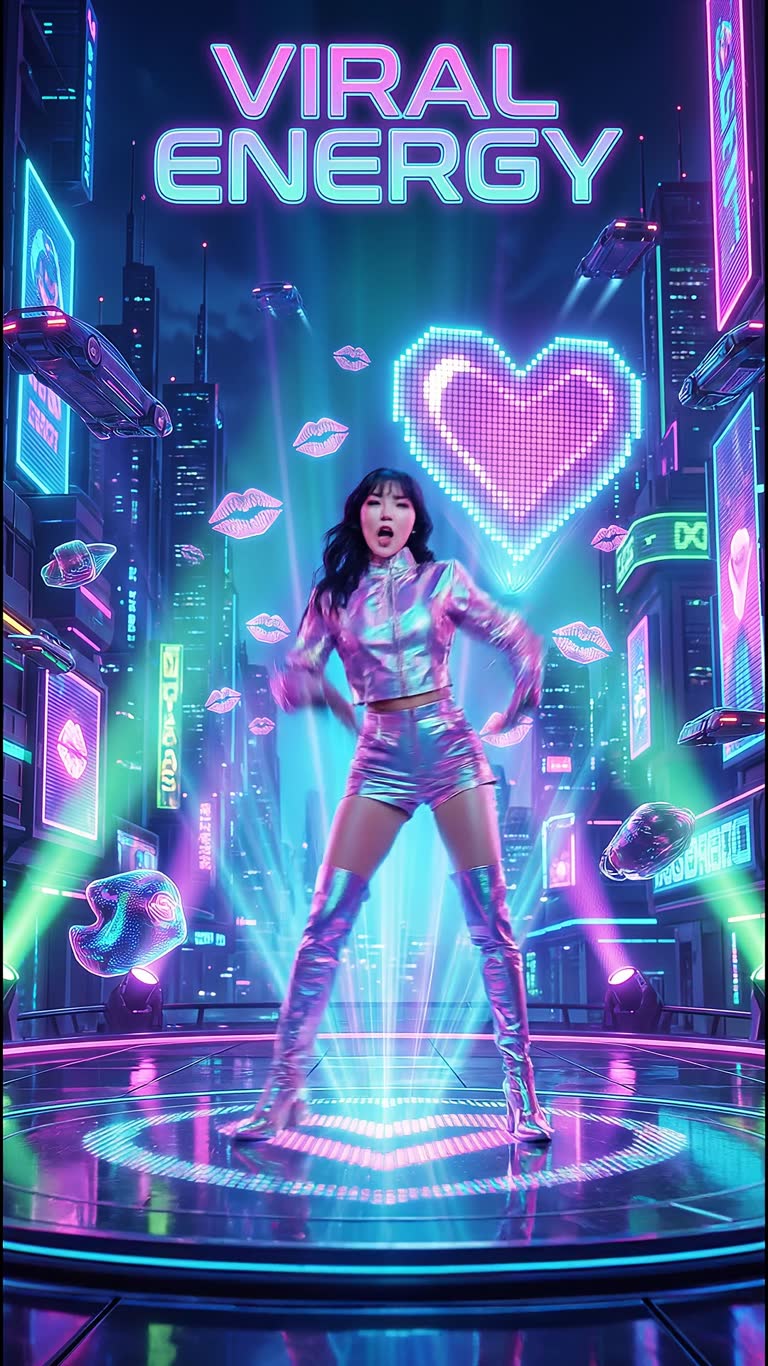
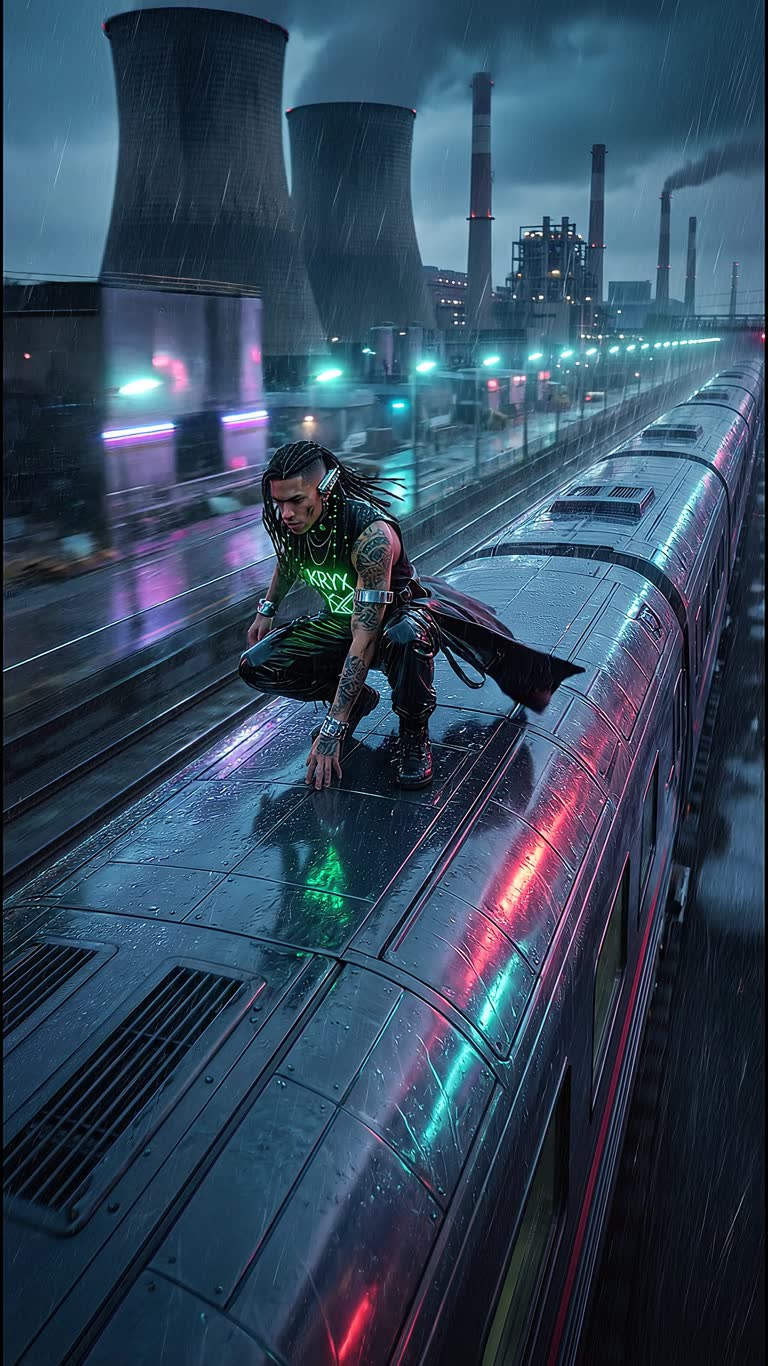
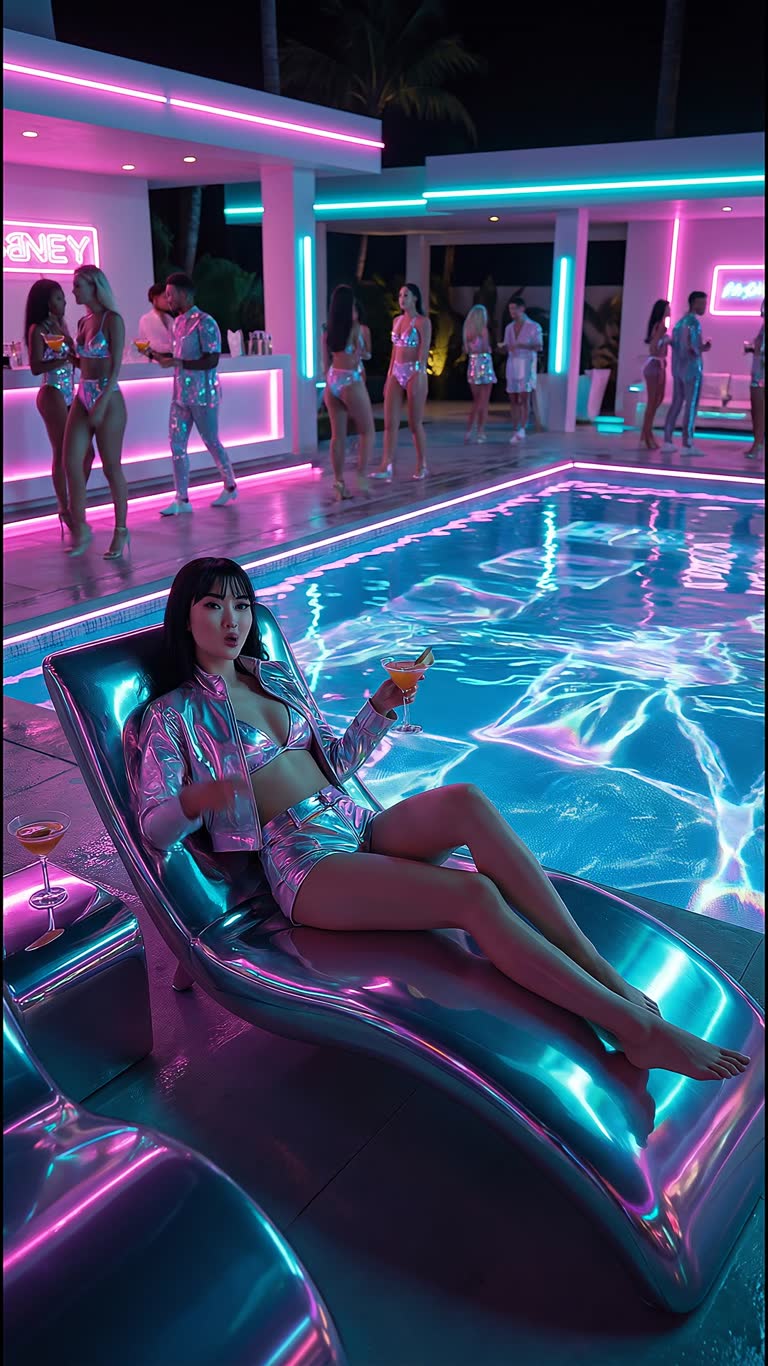
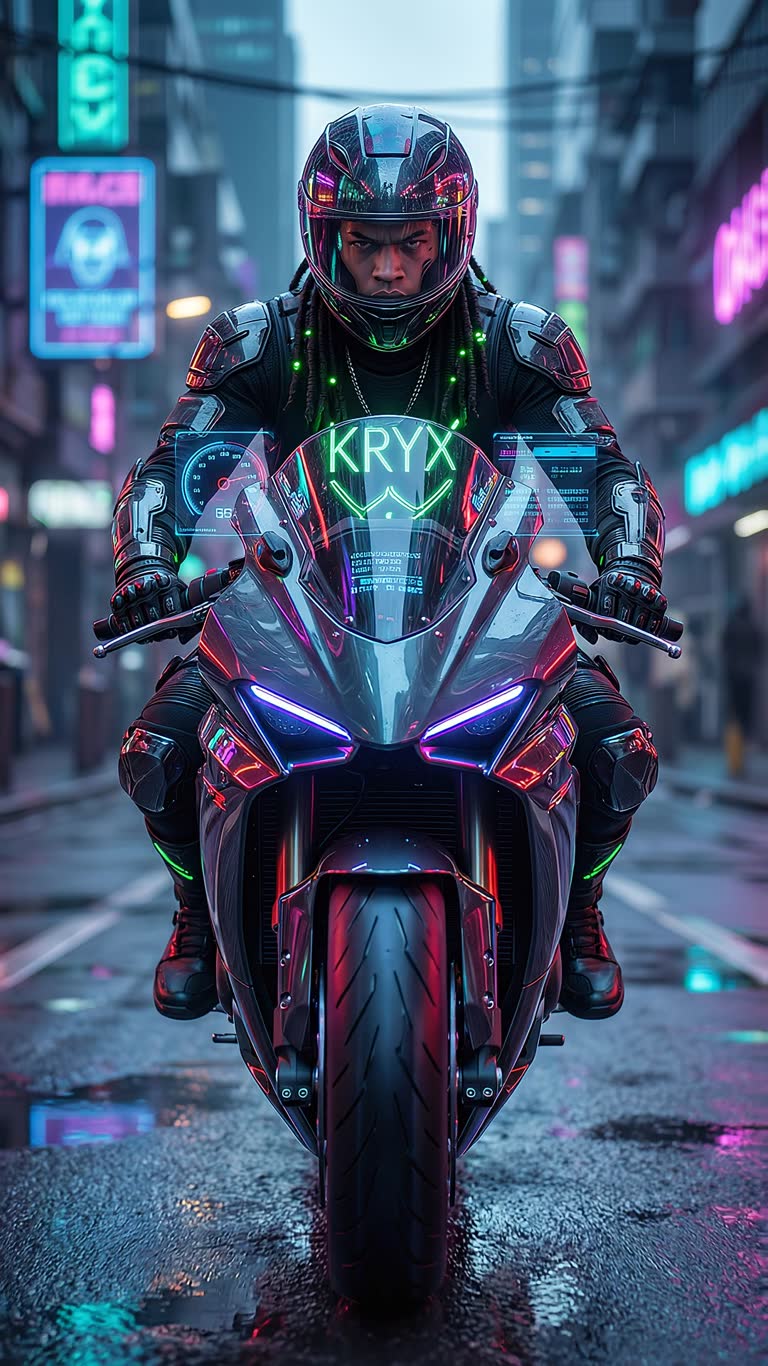
Made with CineOcean
FAQ
Can I use my own song?
Yes, you can plan the scenes around your own track and add it on the timeline.
Can the artist sing on camera?
You can generate performance scenes with the artist; for close lip-sync, talking-presenter scenes work best.
What length can a clip be?
Clips are built from short scenes, so the total length is up to you.
More guides
AI Mini-Drama and Short Series Generator · AI Product Video Generator for Ads · Text to Video with Sound · Consistent Characters in AI Video · AI Video Effects for TikTok, Reels and Shorts