
CineOcean · free to start
Consistent Characters in AI Video
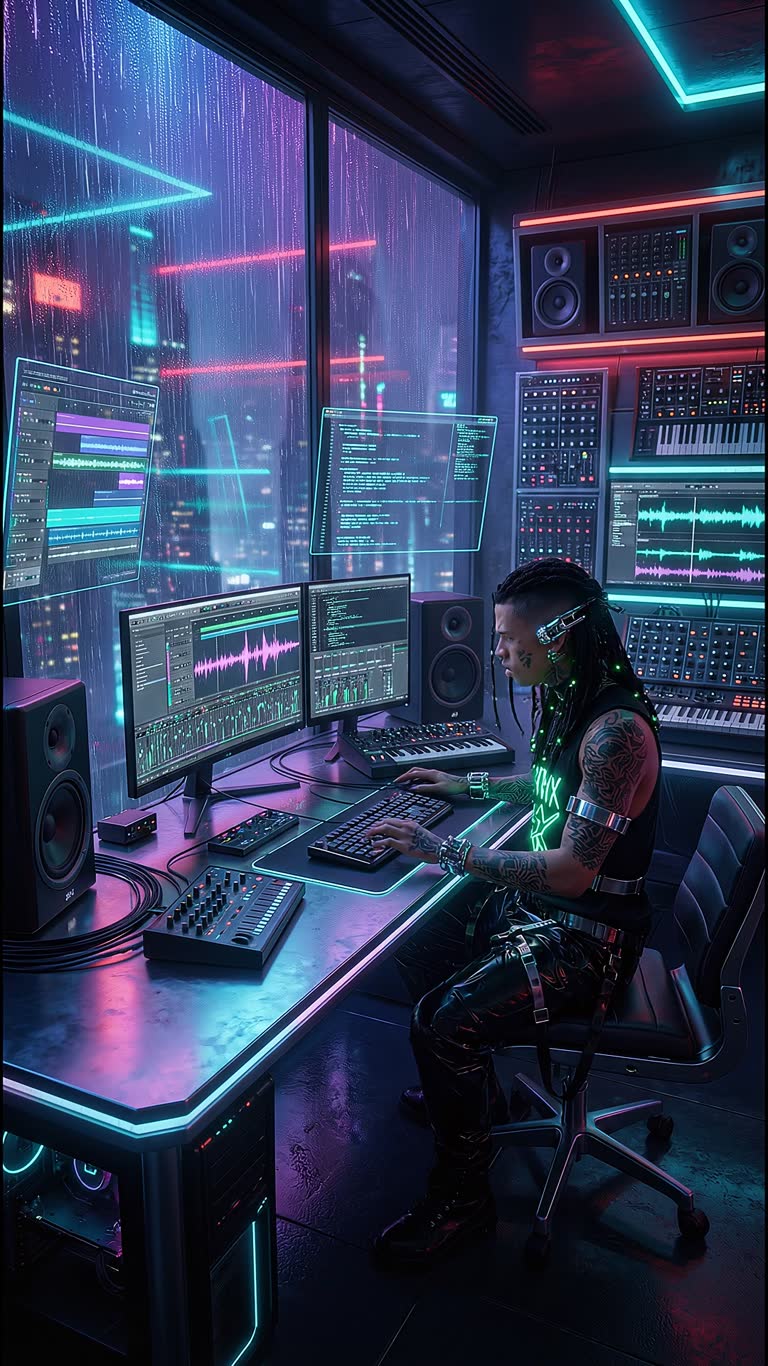
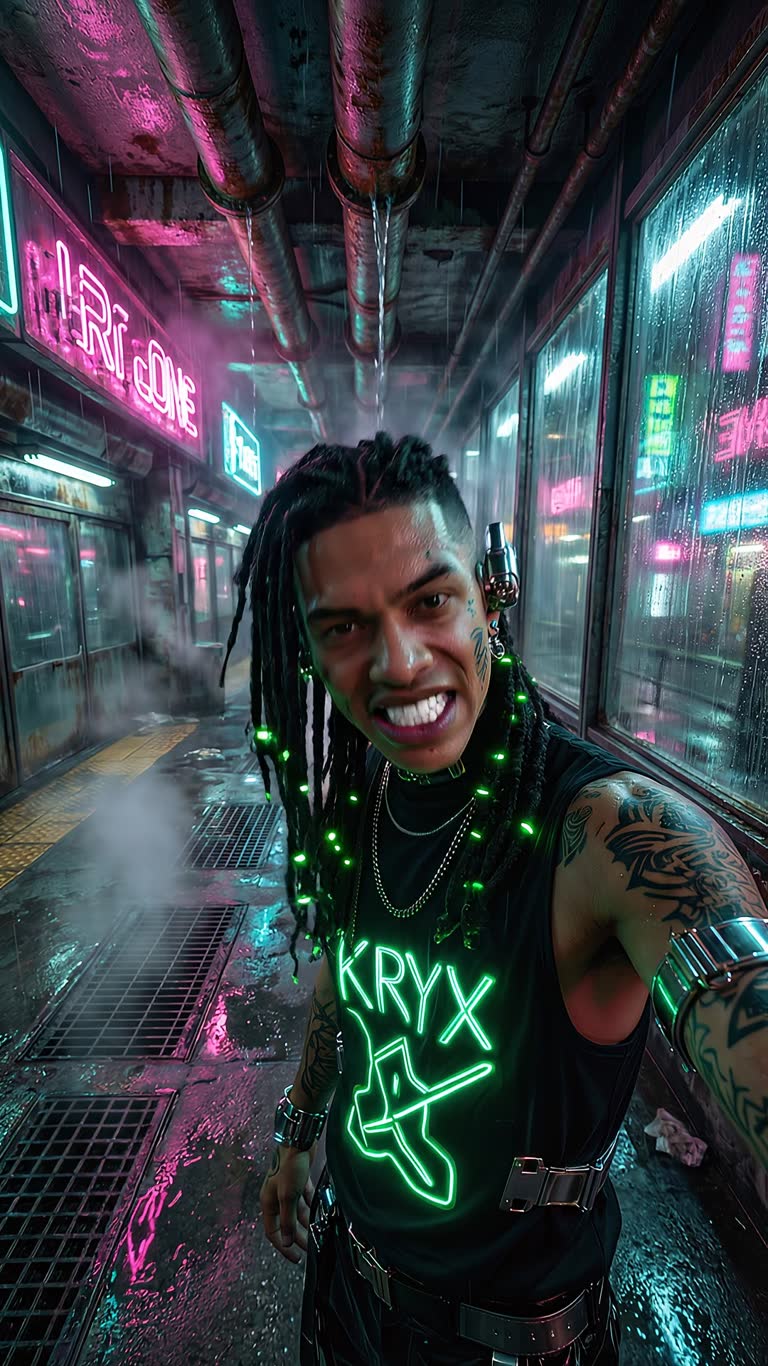
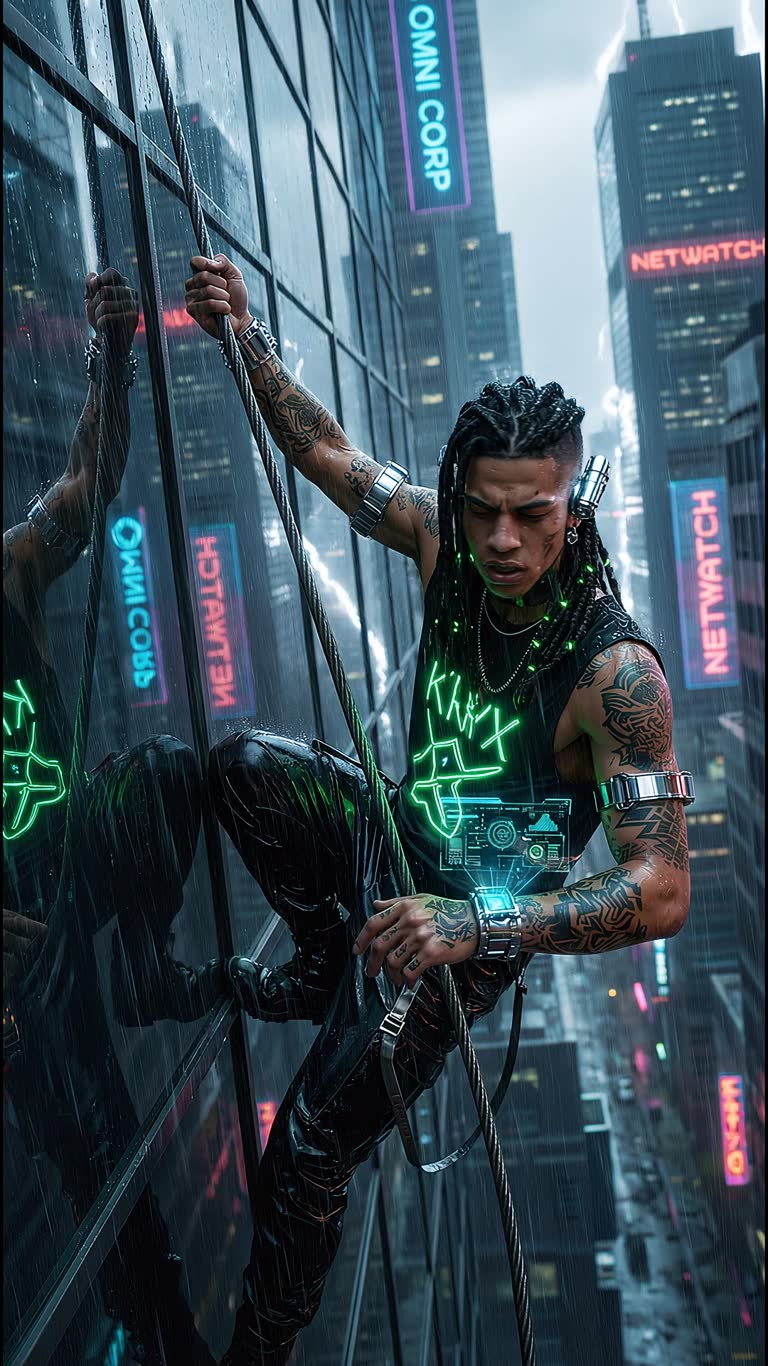
The most common problem with AI video is that the character changes from shot to shot. CineOcean solves it at the project level: you add your characters once in Casting, and every scene of the film, ad or series uses the same faces.
How it works
1. Add your castUpload a photo or generate a character, give it a name — up to 8 per project.
2. Write scenes with namesRefer to the characters by name in the script; the studio keeps them in every scene.
3. Check, then generateReview free still frames for all scenes, then generate the video.
What you get
- Up to 8 recurring characters per project
- Works for films, ads and episodic series
- Free storyboard frames to check the faces first
- Product placement alongside your characters
- Talking presenters with HeyGen avatars
- Same cast reused across episodes
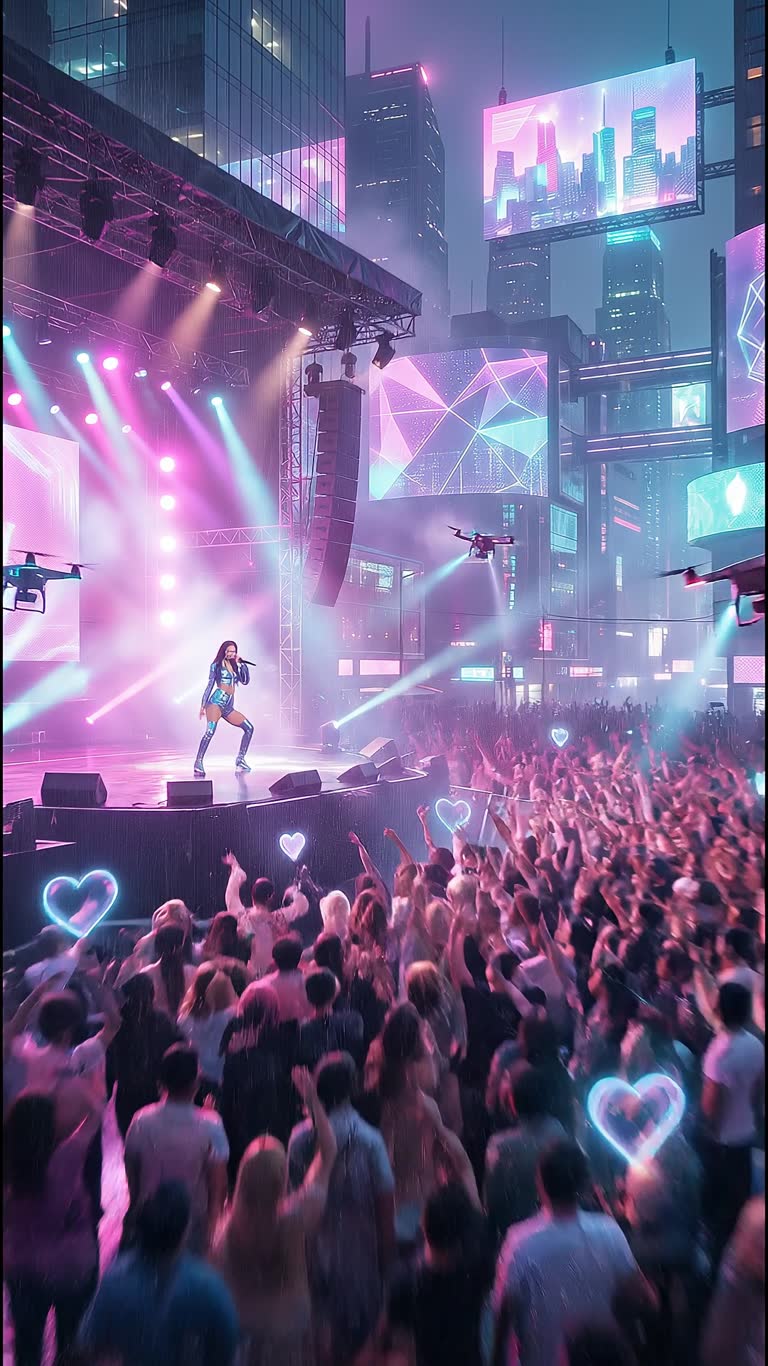
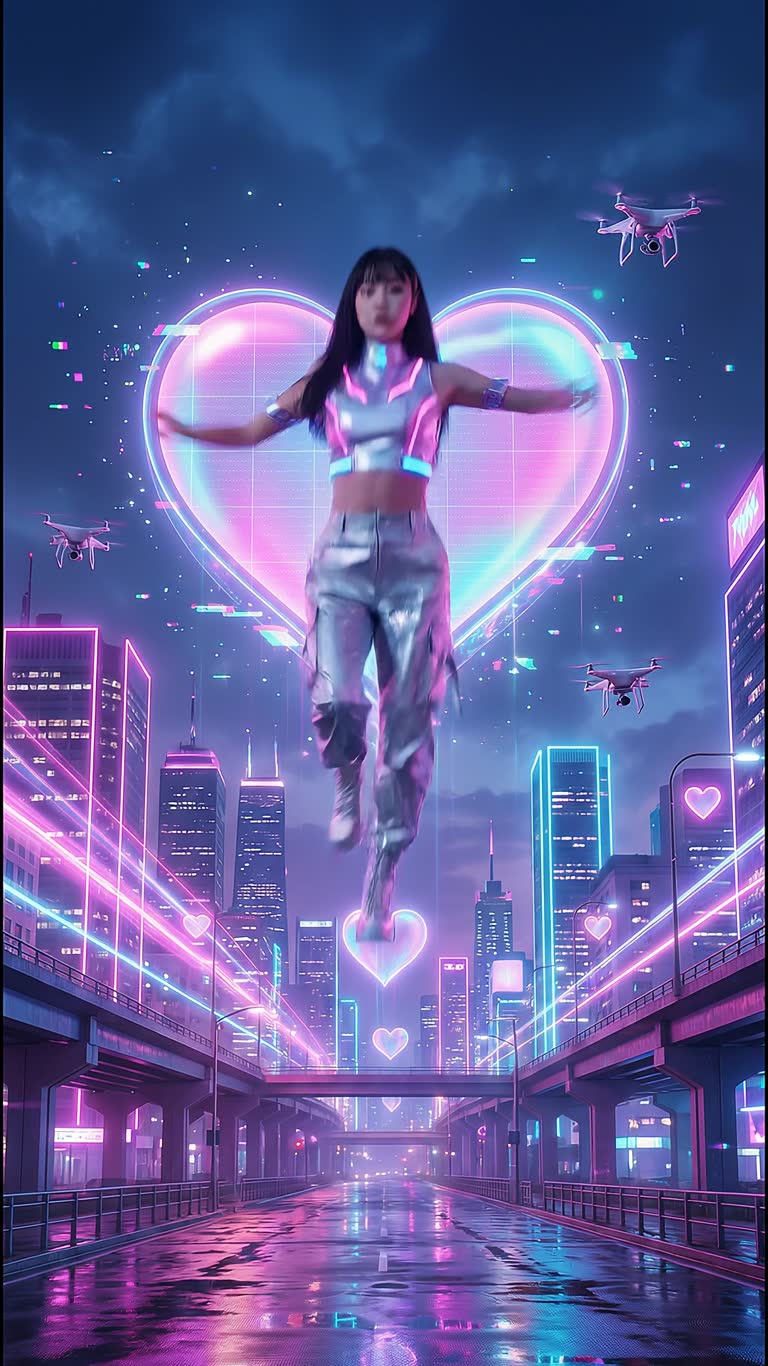
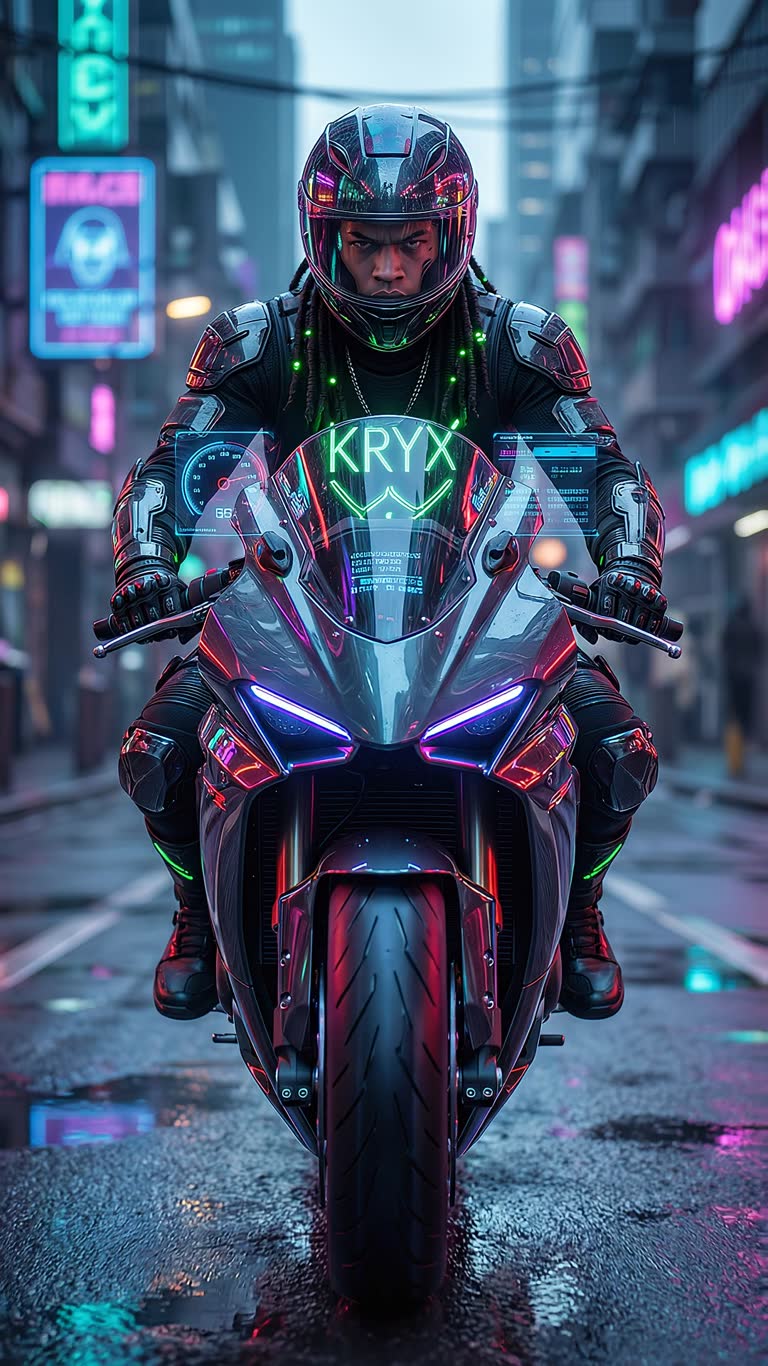
Made with CineOcean
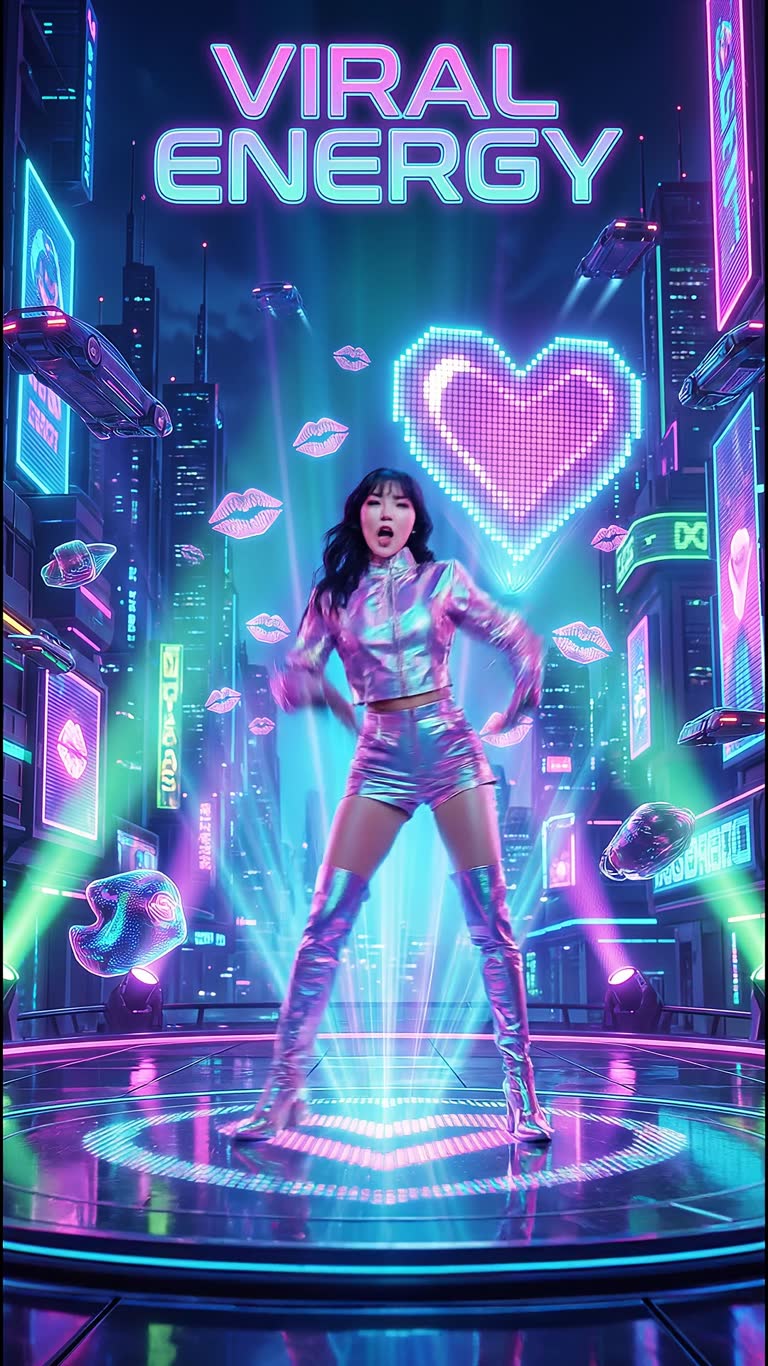
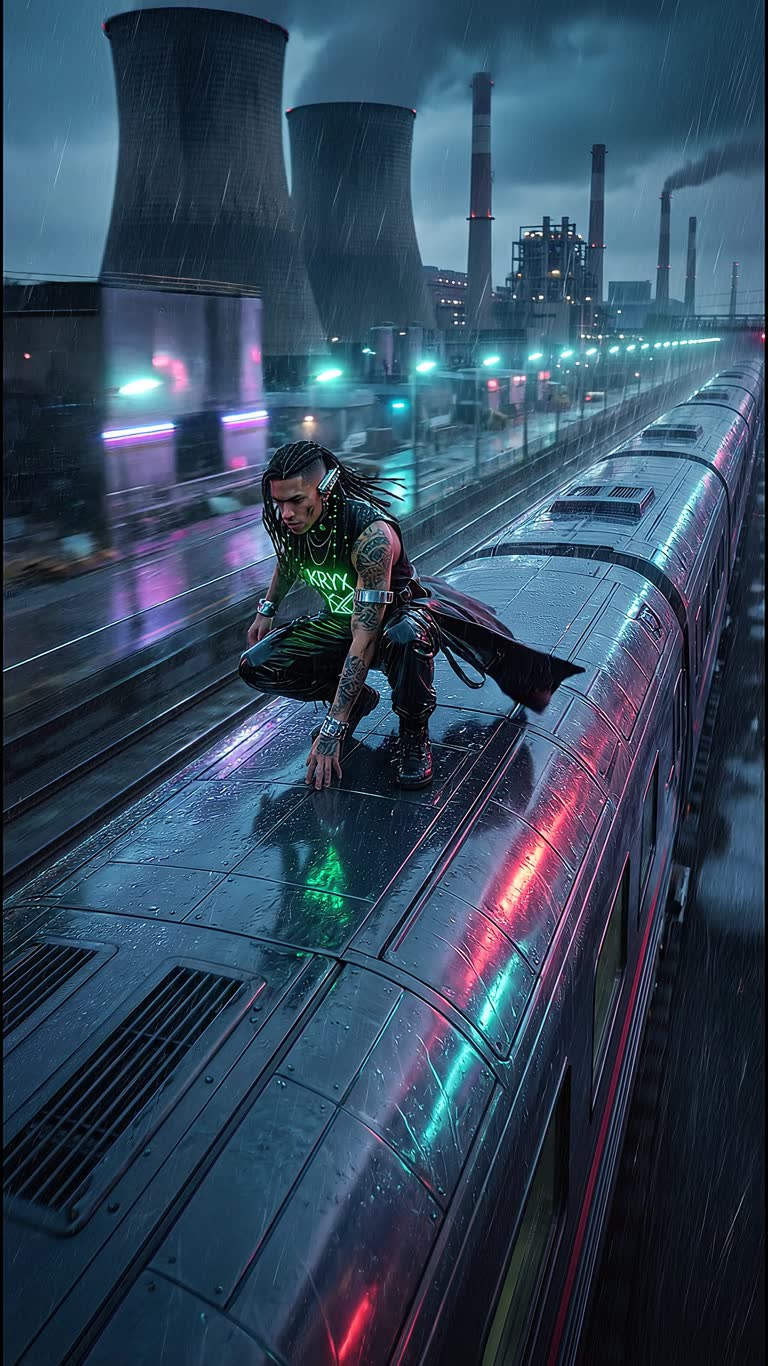
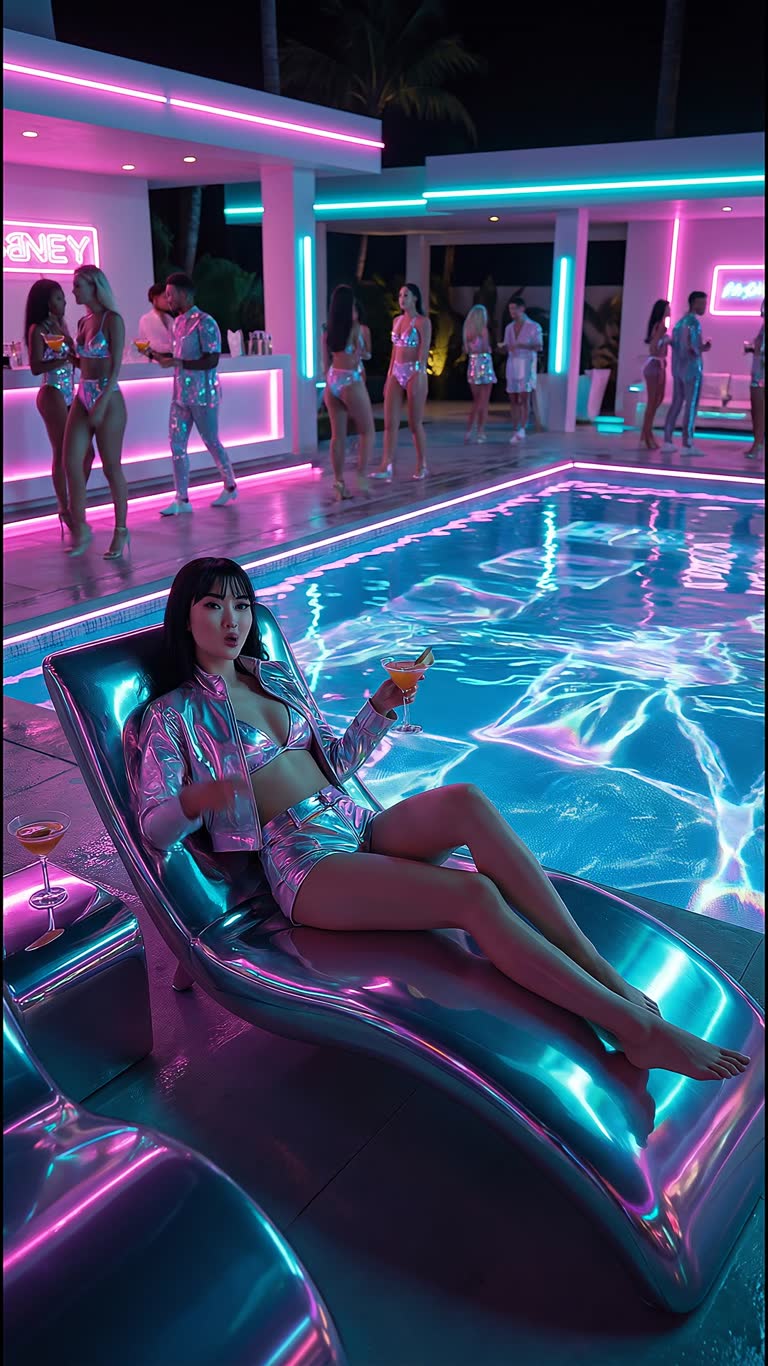
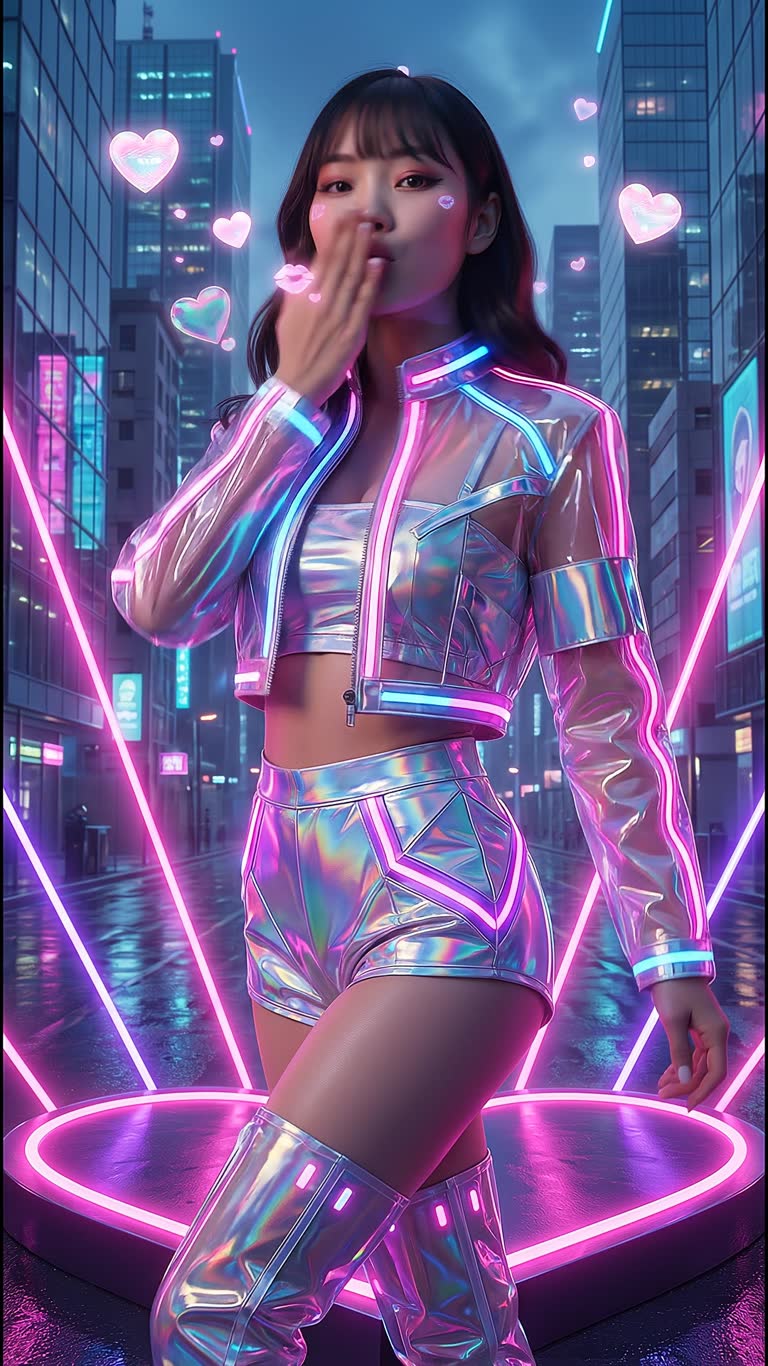
FAQ
Can I use a real person?
You can upload a photo of yourself or of someone who has given you permission. Do not use people without their consent.
Does it work across episodes?
Yes, the same cast can be reused in every episode of a series.
Tips for best results?
Use a clear frontal reference, keep the wardrobe description the same in every scene and change only camera and location.
More guides
AI Mini-Drama and Short Series Generator · AI Product Video Generator for Ads · Text to Video with Sound · AI Music Video Generator · AI Video Effects for TikTok, Reels and Shorts