
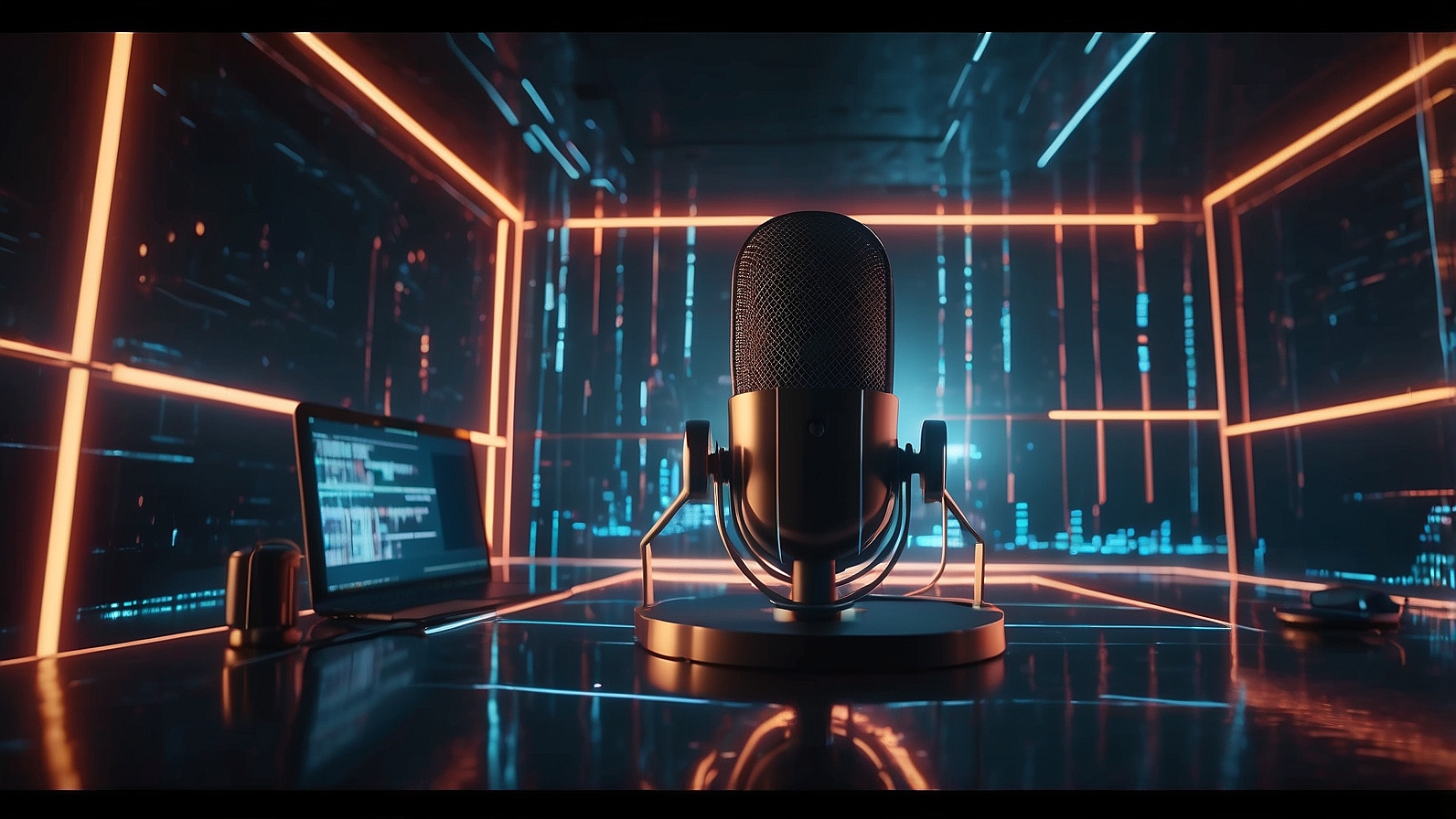
🗣️ Voice Acting Without a Studio: Using AI Voices on CineOcean
Voice acting has traditionally required expensive studios, professional microphones, and skilled voice actors. For independent creators and small teams, these requirements often create barriers to producing high-quality audio content. With AI voice generation on CineOcean, those barriers disappear.
Now, you can create natural, expressive voice acting for films, ads, podcasts, and shorts entirely from your script — no studio, no recording equipment, and no scheduling conflicts required. In this article, we’ll show you how to use AI voices effectively, tips for scripting, and strategies to bring your characters and narration to life.
How AI Voice Generation Works
AI voice models on CineOcean, such as Chirp and MiniMax, convert written text into natural-sounding speech. They are trained to understand:
- Punctuation and pauses
- Sentence emphasis and intonation
- Emotional tone
- Context for different types of content
This allows the AI to produce voices that feel human-like, expressive, and suitable for professional projects.
Benefits of AI Voice Acting
Using AI for voice acting offers several advantages:
- No studio required: Produce high-quality audio from anywhere.
- Cost-effective: No need to hire voice actors for every project.
- Rapid iteration: Generate multiple takes instantly.
- Consistency: Maintain the same voice across multiple scenes or projects.
- Flexibility: Change tone, speed, or style without re-recording.
These benefits make AI voices ideal for independent filmmakers, YouTubers, advertisers, and educational content creators.
Choosing the Right Voice Model
CineOcean offers two main AI voice models:
Chirp
Best for: Natural, polished voices.
- Clear diction
- Smooth pacing
- Realistic intonation
- Suitable for narration, explainer videos, and storytelling
MiniMax (Voice)
Best for: Speed and rapid testing.
- Fast generation
- Multiple variations
- Useful for quick iterations or short-form content
Scripting Tips for AI Voice Acting
The quality of AI voice output depends heavily on how you write your script. Consider the following:
1. Use Natural, Conversational Language
AI performs best with text that resembles natural speech. Avoid overly formal or complex sentences unless your scene requires it.
2. Include Punctuation and Pauses
Punctuation affects rhythm and intonation:
- Commas create short pauses
- Periods create full stops
- Question marks influence rising intonation
3. Specify Emotional Tone
Guide the AI by including adjectives or stage directions:
- “Excitedly”
- “Calm and serious”
- “Soft and reassuring”
4. Break Long Sentences into Segments
Segmenting text improves clarity and makes the voice sound more natural, especially for long narrations or dialogue-heavy scenes.
Bringing Characters to Life
AI voice acting isn’t limited to narration. You can create unique character voices:
- Adjust tone, pitch, or style to match personality
- Generate multiple takes for dialogue exchanges
- Maintain voice consistency across scenes
This allows independent creators to produce full dialogue sequences without hiring multiple actors.

Workflow for AI Voice Acting on CineOcean
- Write your script: Include dialogue, narration, and emotional cues.
- Select a voice model: Chirp for high quality, MiniMax for fast testing.
- Generate audio: Enter text into CineOcean and produce the voice.
- Iterate: Adjust text, tone, or pacing and regenerate as needed.
- Integrate: Combine the generated audio with visuals, music, or other sound elements.
This streamlined workflow allows creators to produce professional-quality audio in a fraction of the time.
Common Mistakes to Avoid
- Using overly long paragraphs without breaks
- Forgetting to indicate tone or emotion
- Overloading prompts with too many adjectives
- Ignoring pacing and rhythm
By following best practices, you ensure that AI-generated voices feel natural and engaging.
Why AI Voice Acting Matters
AI voice acting democratizes audio content creation. Now, creators no longer need extensive budgets or technical expertise to produce professional audio. Whether for films, ads, podcasts, or social media, AI voices allow storytelling to focus on creativity rather than logistics.
By combining AI voice generation with other CineOcean tools — such as image, video, and music generation — you can produce a complete, high-quality audiovisual project entirely digitally.
Final Thoughts
AI voice acting on CineOcean gives creators the power to produce expressive, professional-quality audio without a studio. By mastering prompt writing, selecting the right model, and iterating efficiently, you can bring scripts and characters to life quickly and affordably.
Voice acting without a studio is no longer a dream — it’s a practical reality for modern creators.