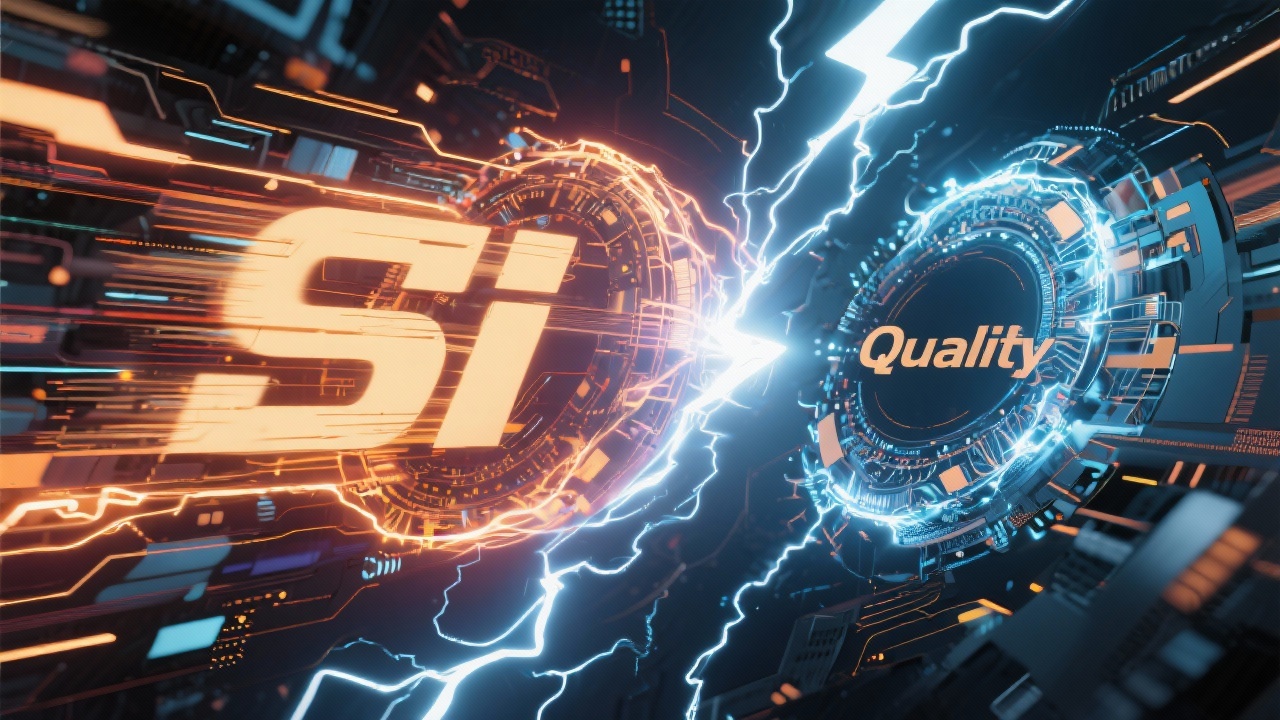
⚡ Speed vs Quality: Choosing the Right Model on CineOcean
One of the biggest advantages of CineOcean is choice. Instead of locking creators into a single AI model, CineOcean offers multiple models across text, image, video, music, and voice generation. Each model has its own strengths, trade-offs, and ideal use cases.
The key question most creators face is simple: Should I prioritize speed or quality?
The right answer depends on what you’re creating and where you are in your workflow.
This guide breaks down all available CineOcean models and helps you choose the right one based on speed, quality, and creative intent.
Understanding Speed vs Quality in AI Generation
In AI generation, speed and quality often sit on opposite ends of the spectrum.
- Speed-focused models generate results quickly and use fewer resources
- Quality-focused models produce more detailed, polished outputs but take longer
Successful creators often use both — fast models for experimentation and premium models for final output.
Text Generation Models on CineOcean
ChatGPT (Text)
Best for:
- Script writing
- Story development
- Dialogue and narration
- Creative brainstorming
ChatGPT focuses on high-quality language generation with strong contextual understanding. While text generation is already fast, ChatGPT shines when clarity, structure, and creativity matter more than raw speed.
Choose ChatGPT when:
- Writing scripts or stories
- Generating prompts
- Refining creative ideas
Image Generation Models on CineOcean
Nano Banana (Image)
Priority: Speed
Nano Banana is built for ultra-fast image generation. It’s ideal for prompt testing, concept art, and rapid experimentation.
Best for:
- Draft visuals
- Storyboards
- Social media graphics
- Early ideation
Leonardo (Image)
Priority: Quality
Leonardo offers strong visual detail and artistic control, making it suitable for polished illustrations and refined visuals.
Best for:
- High-quality artwork
- Stylized illustrations
- Final image assets
Bytedance (Image)
Priority: Balanced
Bytedance models offer a balance between speed and visual clarity, making them useful for general-purpose image generation.
Best for:
- Marketing visuals
- Product imagery
- Consistent visual styles
Imagen (Image)
Priority: Photorealism & Quality
Imagen excels at realistic imagery, lighting, and natural composition.
Best for:
- Photorealistic scenes
- Real-world environments
- Professional visuals
CineOcean (Image)
Priority: Creative Flexibility
CineOcean’s native image models are optimized for creative workflows and smooth integration with other CineOcean tools.
Best for:
- Integrated projects
- Consistent platform workflow
- Visual storytelling
Video Generation Models on CineOcean
MiniMax (Video)
Priority: Speed
MiniMax is ideal for fast video generation and early motion testing.
Best for:
- Video drafts
- Motion experiments
- Rapid iteration
Luma Ray 2 (Video)
Priority: Balanced Quality
Luma Ray 2 offers smoother motion and better realism while maintaining reasonable generation speed.
Best for:
- Short films
- Content creation
- Visual storytelling
Veo 3 (Video)
Priority: Cinematic Quality
Veo 3 is designed for high-end, cinematic video generation with realistic lighting, camera movement, and detail.
Best for:
- Final cinematic shots
- High-quality storytelling
- Professional-grade output
SeedDance (Video)
Priority: Creative Motion
SeedDance focuses on expressive motion and stylized movement.
Best for:
- Artistic videos
- Experimental visuals
- Creative storytelling
Music Generation Models on CineOcean
Lyria (Music)
Priority: Quality & Emotion
Lyria specializes in high-quality AI music generation with strong emotional expression.
Best for:
- Film scores
- Background music
- Ambient soundscapes
Lyria is ideal when music needs to support storytelling and mood rather than just fill silence.
Voice Generation Models on CineOcean
Chirp (Voice)
Priority: Natural & Clear
Chirp produces clean, natural-sounding voices suitable for narration and explanation.
Best for:
- Documentaries
- Explainers
- Educational content
MiniMax (Voice)
Priority: Speed & Variation
MiniMax voice models are useful for fast generation and multiple voice variations.
Best for:
- Rapid testing
- Short-form content
- Script iteration
How to Choose the Right Model for Your Workflow
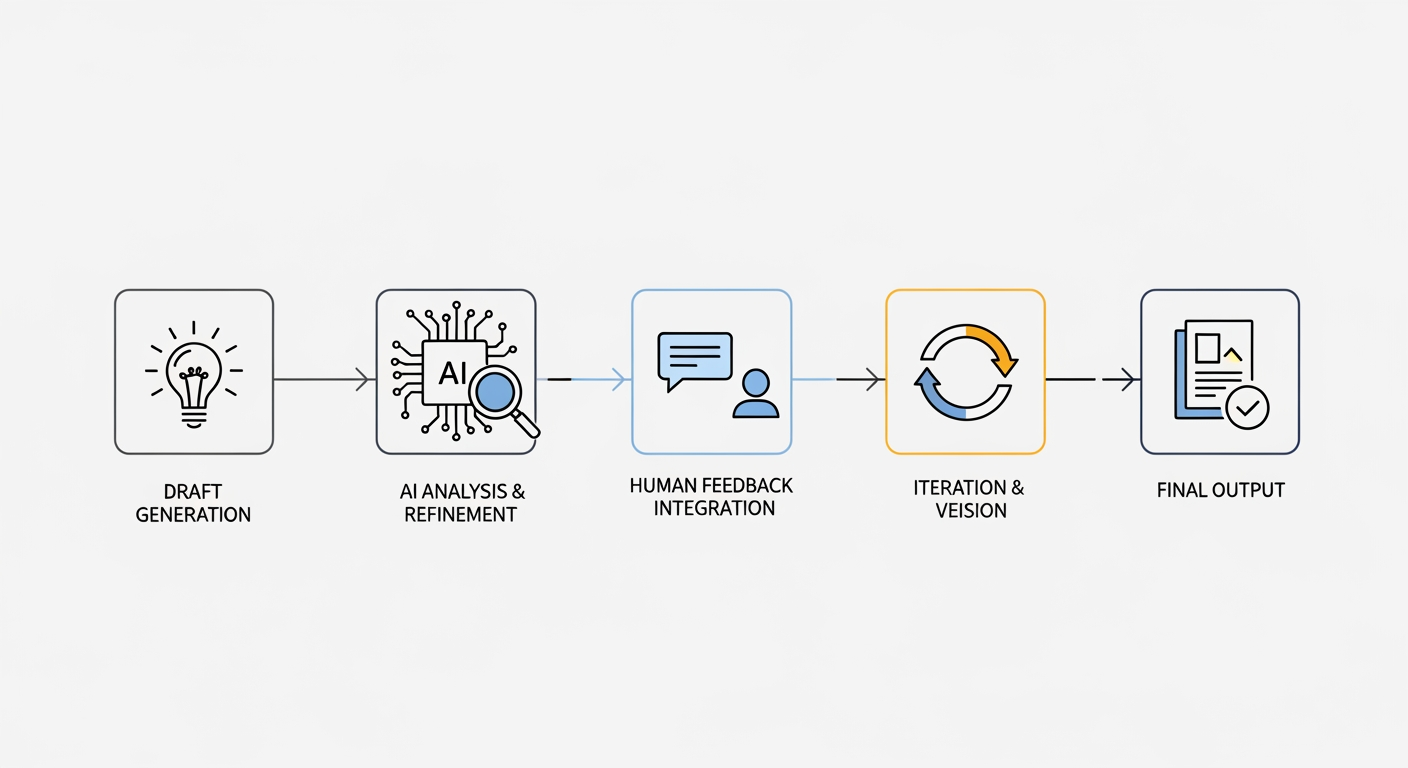
A smart workflow often looks like this:
- Start fast — use speed-focused models for testing and ideation
- Refine — adjust prompts and creative direction
- Upgrade quality — switch to premium models for final output
This approach saves time, credits, and creative energy.
Common Mistakes to Avoid
- Using high-quality models too early
- Ignoring speed when iterating
- Mixing styles without planning
- Over-generating instead of refining prompts
Choosing the right model at the right time is key.
Final Thoughts
CineOcean’s strength lies in flexibility. By offering multiple models across text, image, video, music, and voice, it allows creators to design workflows that match their creative goals.
Speed fuels experimentation. Quality delivers impact. With CineOcean, you don’t have to choose one — you can use both, strategically.